Workflow container
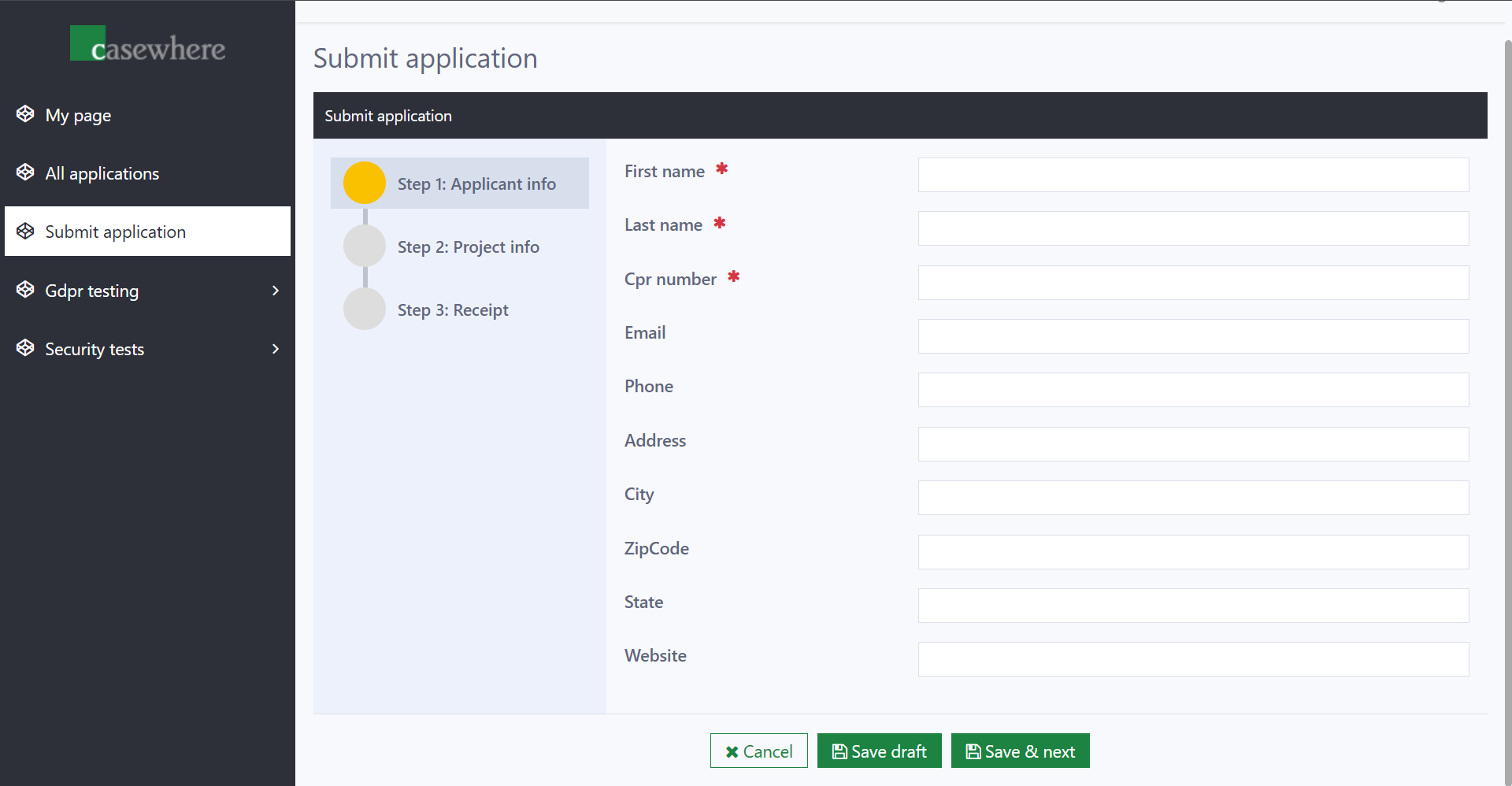
The workflow container widget lets you load and display a workflow directly within a page, rather than opening it in a dialog.
Settings
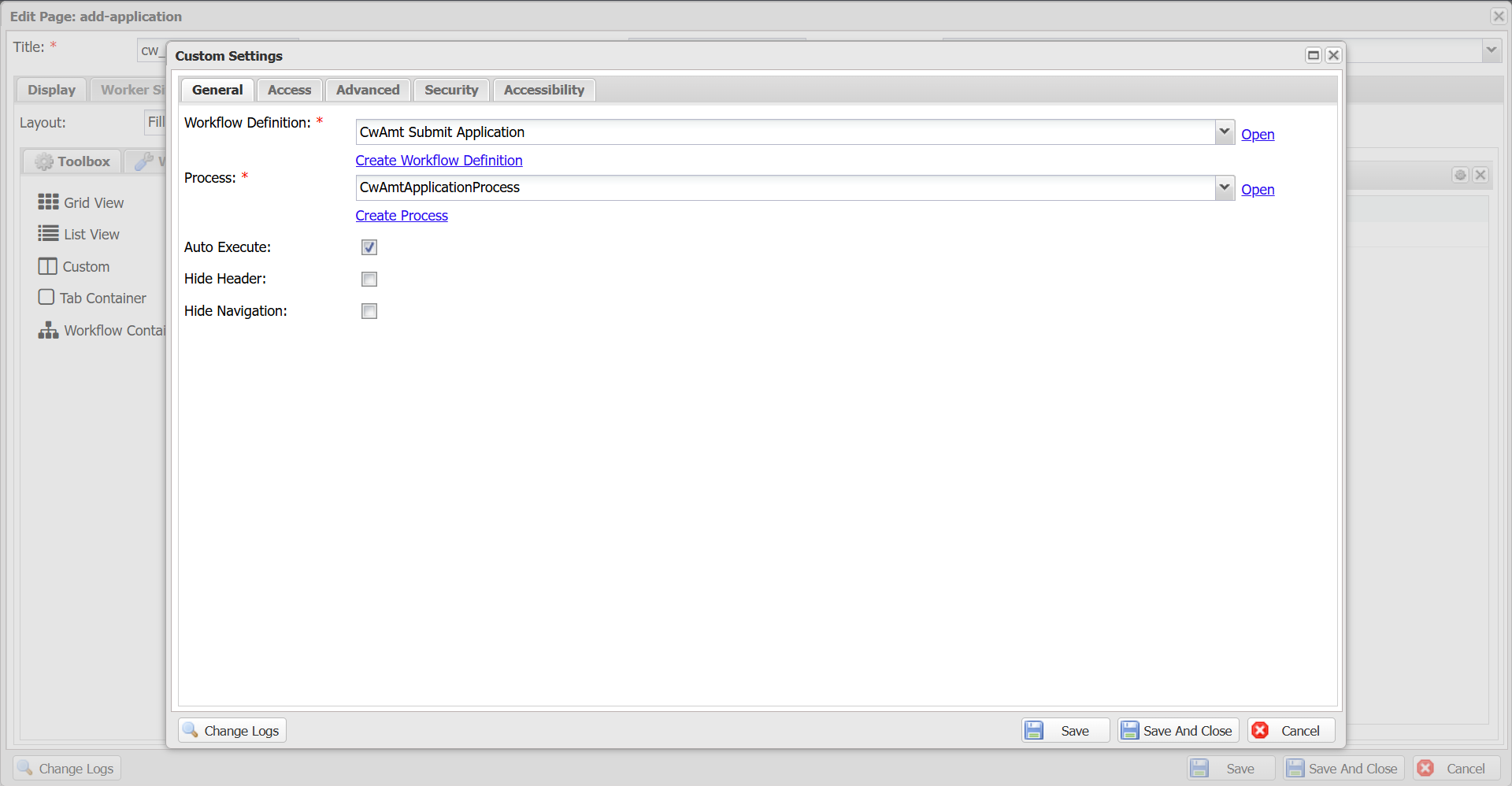
| Setting | Mandatory | Description |
|---|---|---|
| Workflow Definition | Yes | The workflow to be executed. |
| Process | Conditional | Required when the selected workflow definition is of the Case Creation type. Specifies the process in which the workflow will run. |
| Auto Execute | No | When enabled, Casewhere automatically executes the workflow when the widget loads. This option is only available when the selected workflow definition is of the Case Creation type. If disabled, you must trigger the workflow manually using the widget API. |
| Hide Header | No | Hides the workflow header. Shown by default. |
| Hide Navigation | No | Hides the workflow navigation. Shown by default. |
Manual trigger
When Auto Execute is disabled, you can trigger the workflow from a page event handler or another widget's script:
var api = $scope.widgetApis['application-form'];
api.triggerWorkflow();
You can also pass parameters when triggering. See the workflow container API for the full reference.
Other settings
All other settings (title, height, security, etc.) are shared with other widget types. See Widget management for details.