Loop Activity
If a business scenario requires processing a large volume of work that a single workflow cannot handle, the Loop Activity can be a suitable solution, particularly when executing a large, dynamic number of workflows.
Configuration
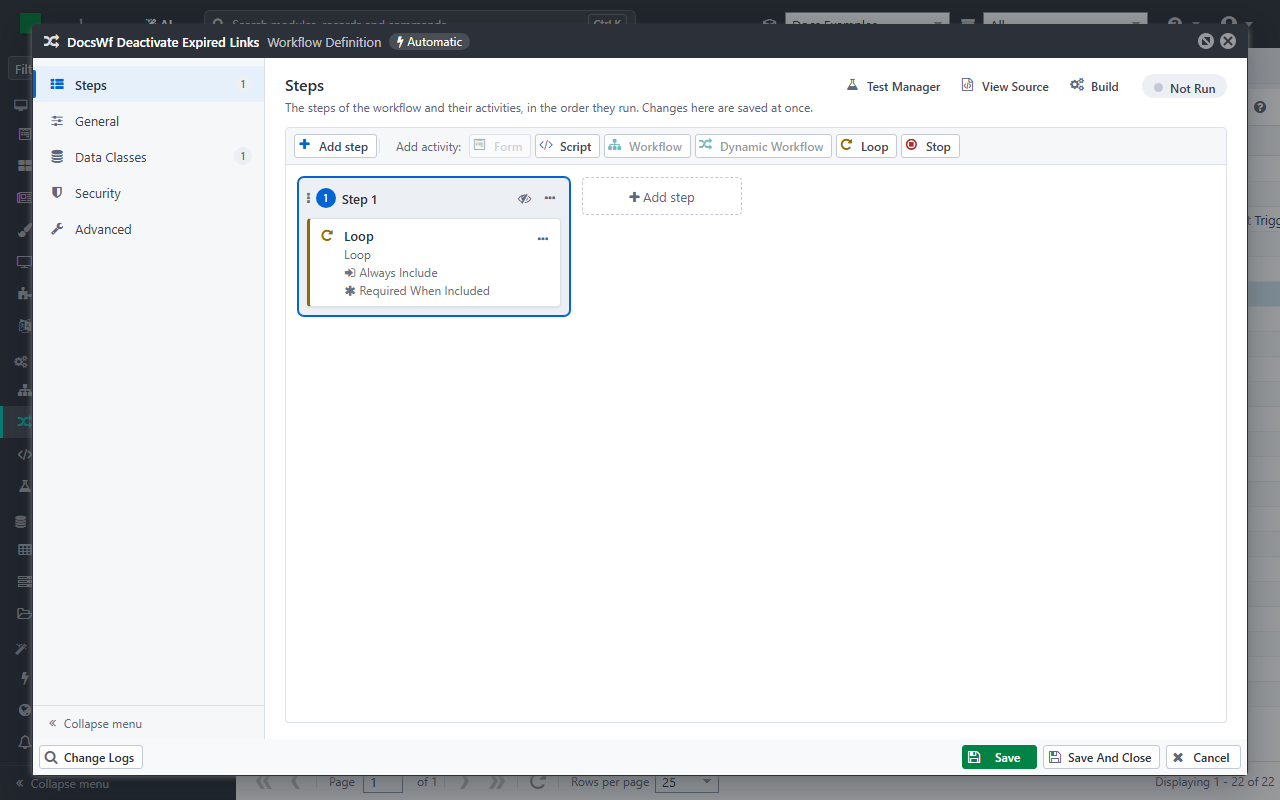
The Loop Activity can be added to the workflow definition just like any other workflow activity: click Loop in Add activity.
The activity configuration appears as follows:
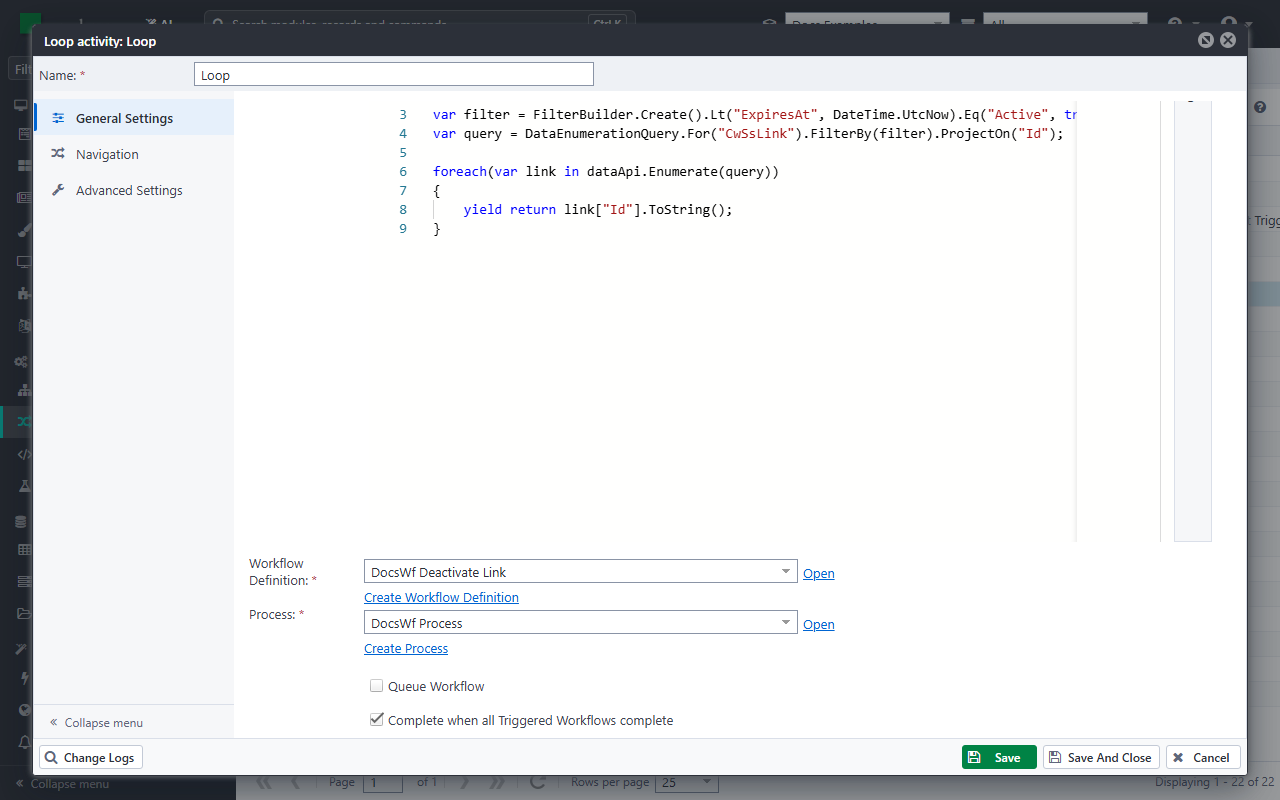
Data Query: A script used to determine the data for looping. The script must return an IEnumerable<string>.
Workflow Definition: The workflow for data looping iteration, which accepts a data object as workflow input.
Process: The process in which the triggered workflows run.
Queue Workflow: When selected, the workflow will be queued for execution in the background.
Priority: Used to determine the execution order, applicable only to queued workflows.
Complete when all Triggered Workflows Complete: If selected, the loop activity completes only when all looping workflows complete with out any error. This setting is only available when the Queue Workflow option is not selected.
Data query examples
Example 1: Looping through a large data collection using Enumerate API
var dataApi = ctx.Use<IDataApi>();

var filter = FilterBuilder.Create().Lt("ExpiresAt", DateTime.UtcNow).Eq("Active", true).Build();
var query = DataEnumerationQuery.For("CwSsLink").FilterBy(filter).ProjectOn("Id");

foreach(var link in dataApi.Enumerate(query))
{
	yield return link["Id"].ToString();
}
Example 2: Looping through a normal data collection using Search API
var dataApi = ctx.Use<IDataApi>();

var filter = FilterBuilder.Create()
    .Lt("ExpiresAt", DateTime.UtcNow)
    .Eq("Active", true)
    .Build();
var result = dataApi.Search(DataObjectApiQuery
    .For("CwSsLink")
    .FilterBy(filter)
    .ProjectOn("Id")).Data as List<DynamicDataObject>;

return result.Select(item => item["Id"]).Cast<string>();