Try it end to end
Introduction
Everything is in place. In this chapter you use the application the way its users will: two applicants apply, the caseworker approves one application and rejects the other, and the applicant sees the decision.
Use a private browser window for each user, or sign out between users, so each sign-in starts fresh.
Apply as Anna
Open
https://grants.casewhere.com/and sign in as Anna Berg.Open My applications in the menu. The list is empty.
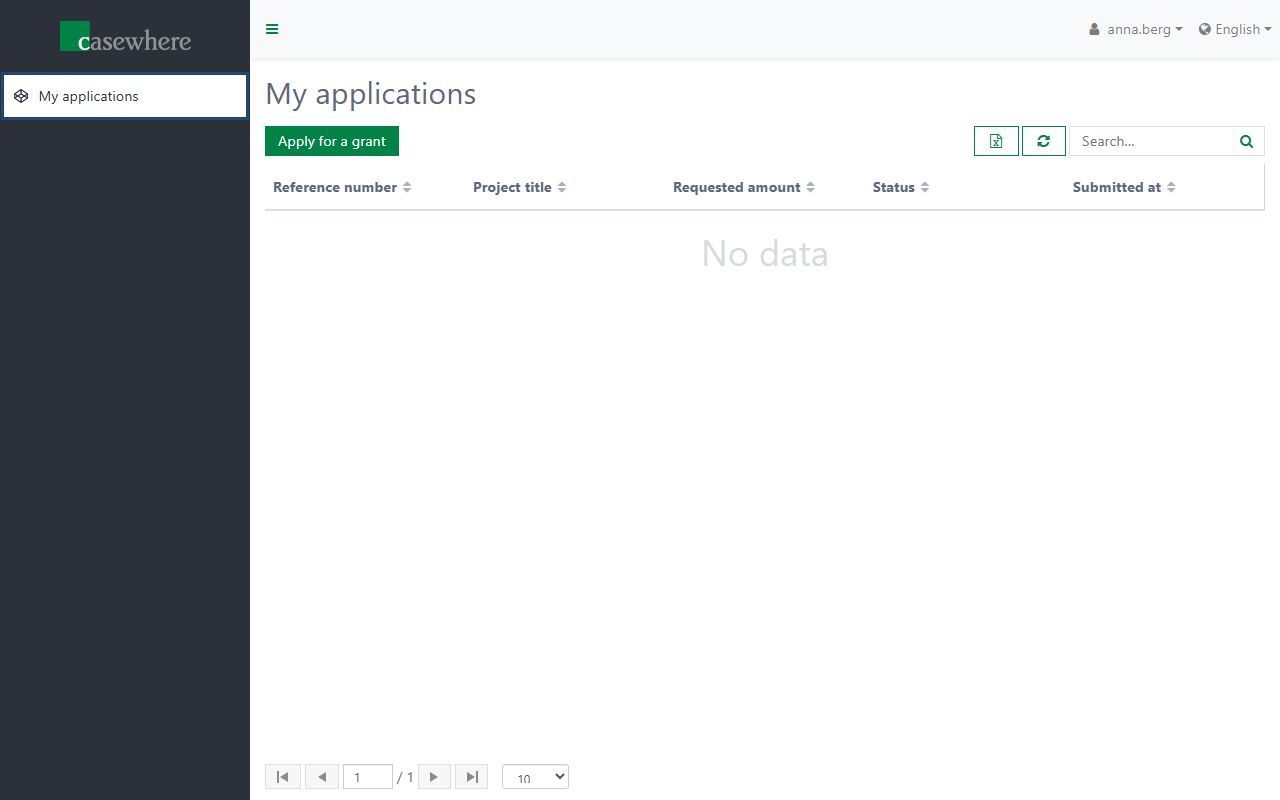
Click Apply for a grant and fill in the form:
Field Value Project title Community garden Requested amount 25000 Project description Raised beds and a tool shed for the neighbourhood. 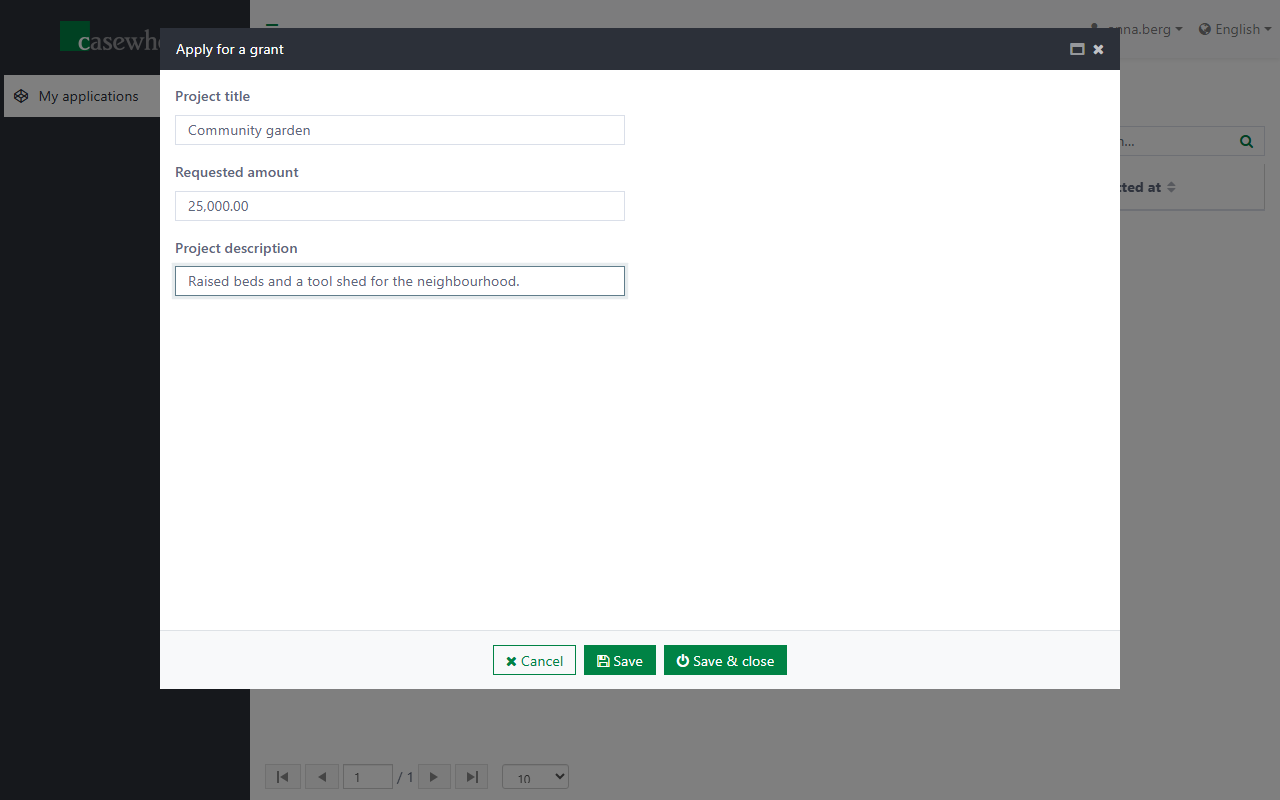
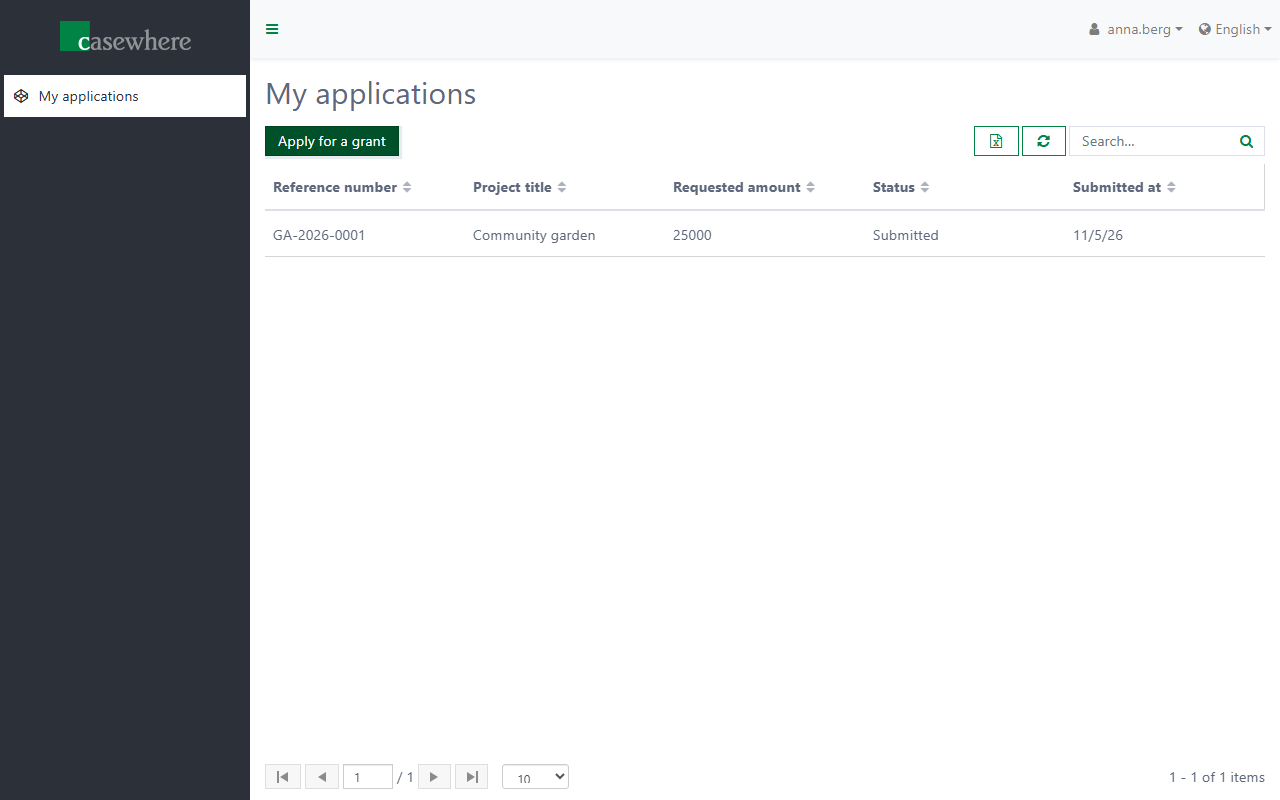
Click Save & close. The form saves the application, and the script gives it a reference number and the status Submitted.
Apply as Ben
Sign in as Ben Holm and apply for a Youth football tournament of 12000. Ben's list shows only his application, and Anna's list only hers: the grid's query filters on the signed-in user.
Decide as Carla
Open
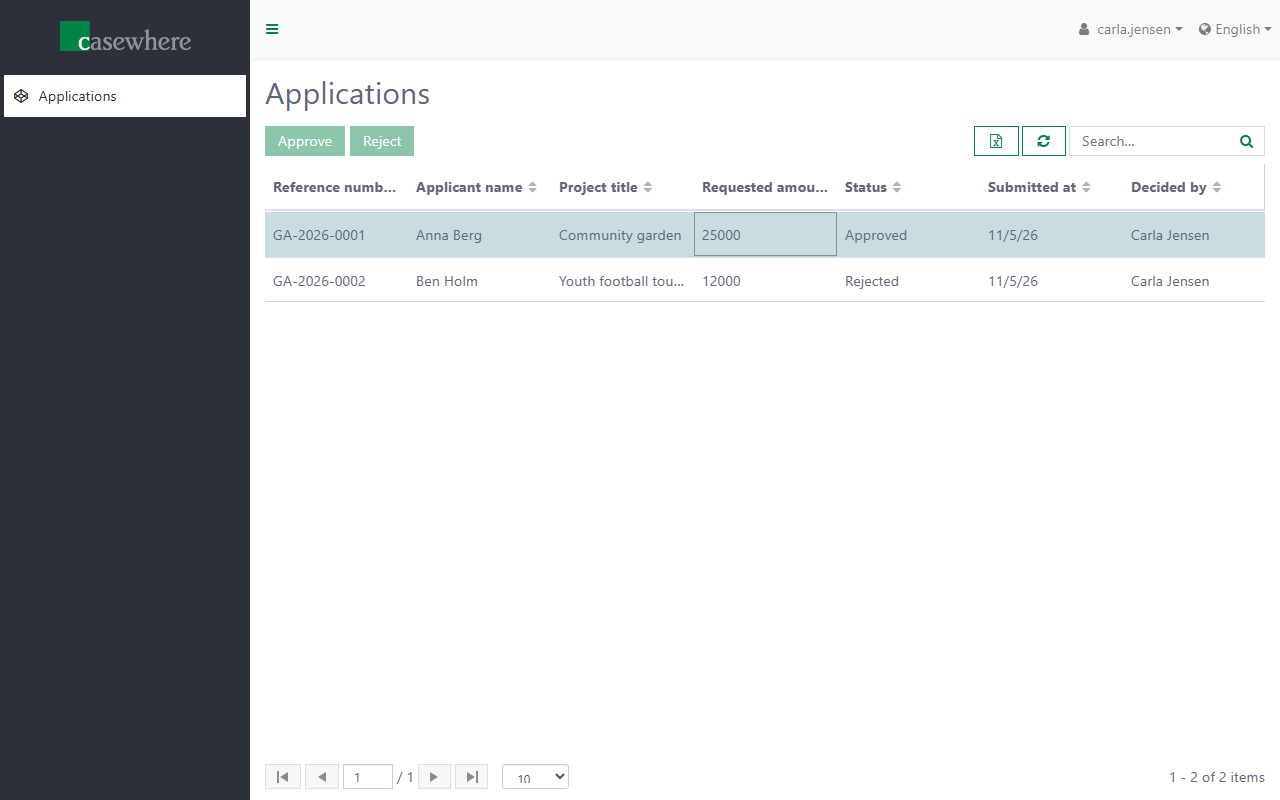
https://grants-caseworker.casewhere.com/and sign in as Carla Jensen.Open Applications. Both applications are there, with the applicants' names.
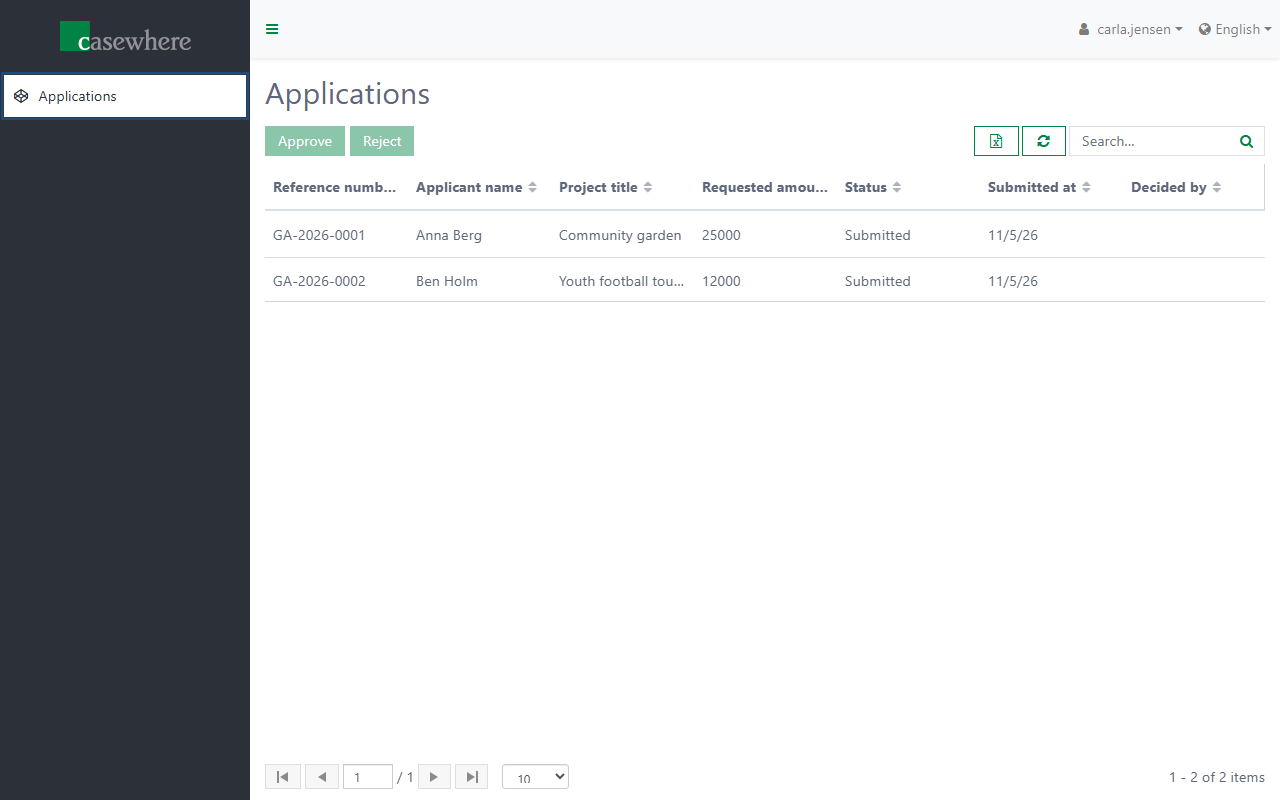
Select Community garden, click Approve, write a note and click Save & close.
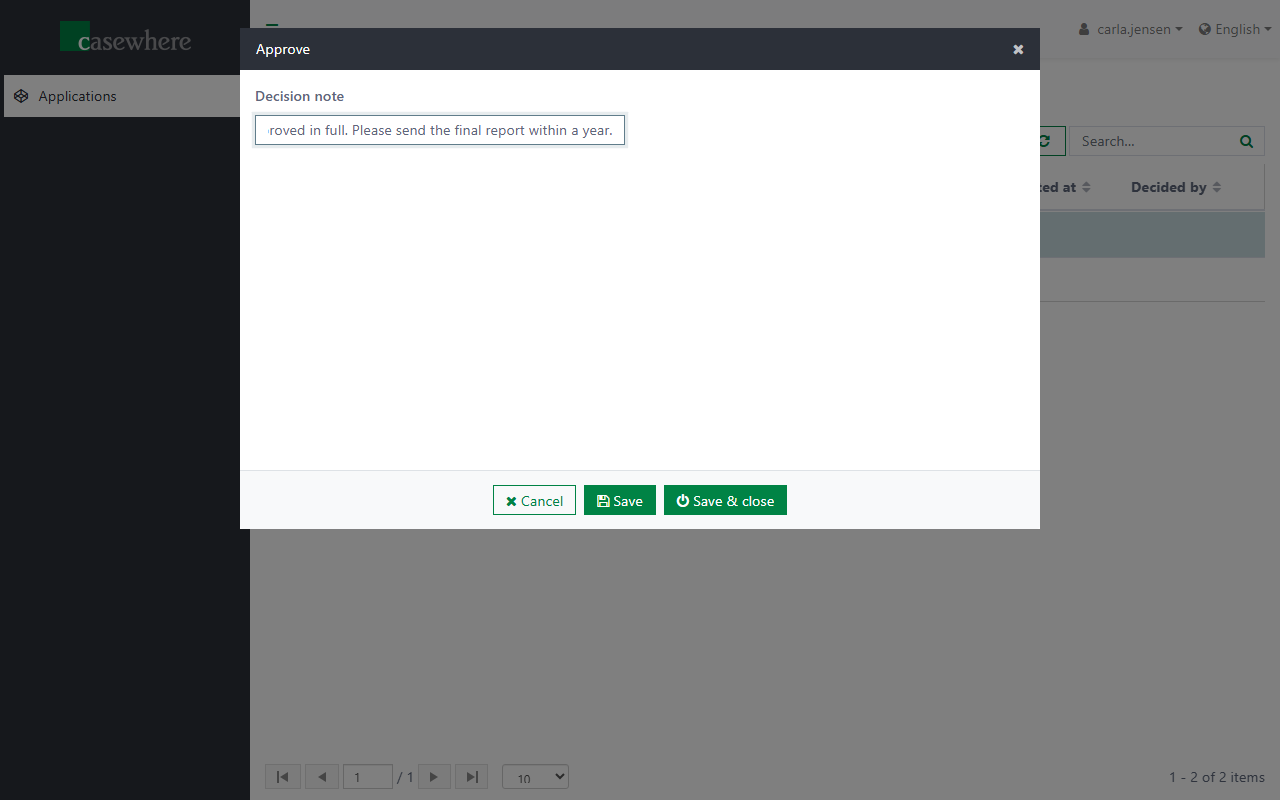
Select Youth football tournament, click Reject, write a note and click Save & close.
Select Community garden again: Approve and Reject are disabled now, because its status is no longer Submitted.
See the decision as Anna
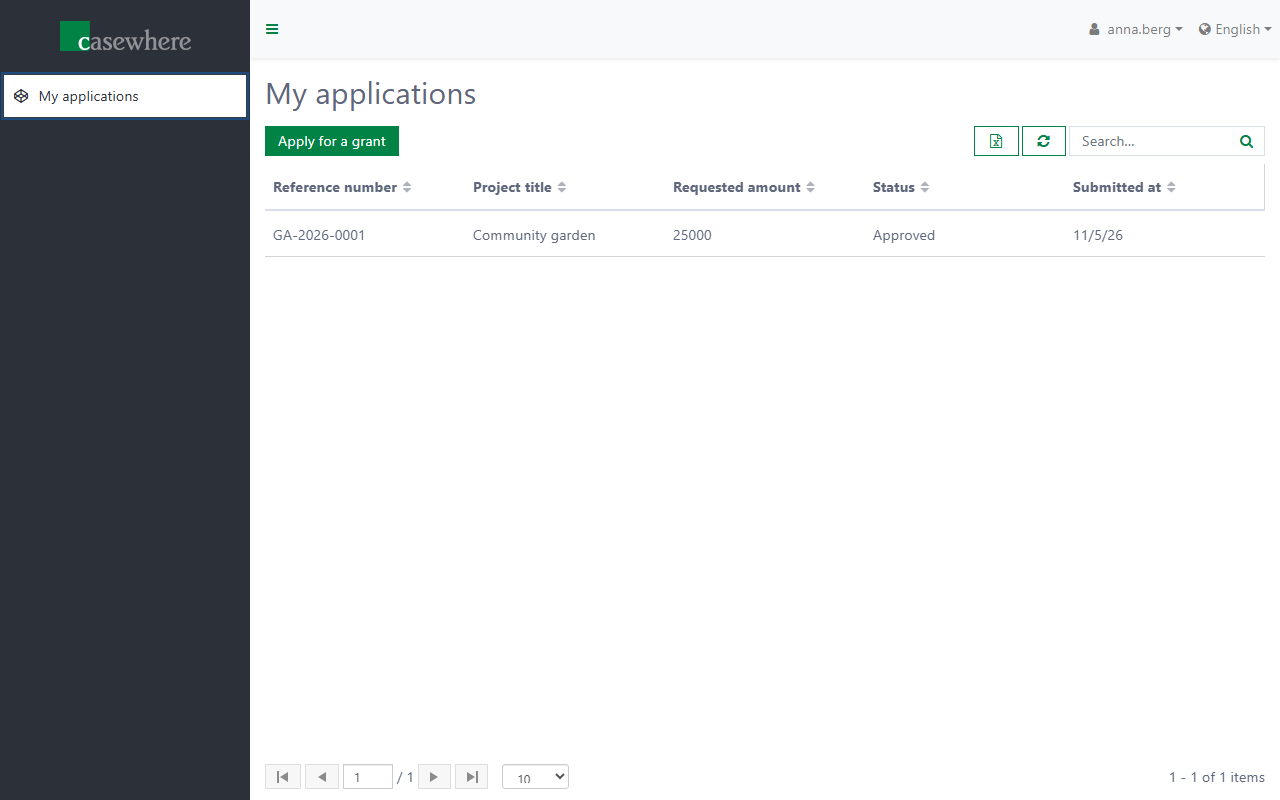
Sign in to the portal as Anna Berg again and open My applications: the application's status is Approved.
Try the security
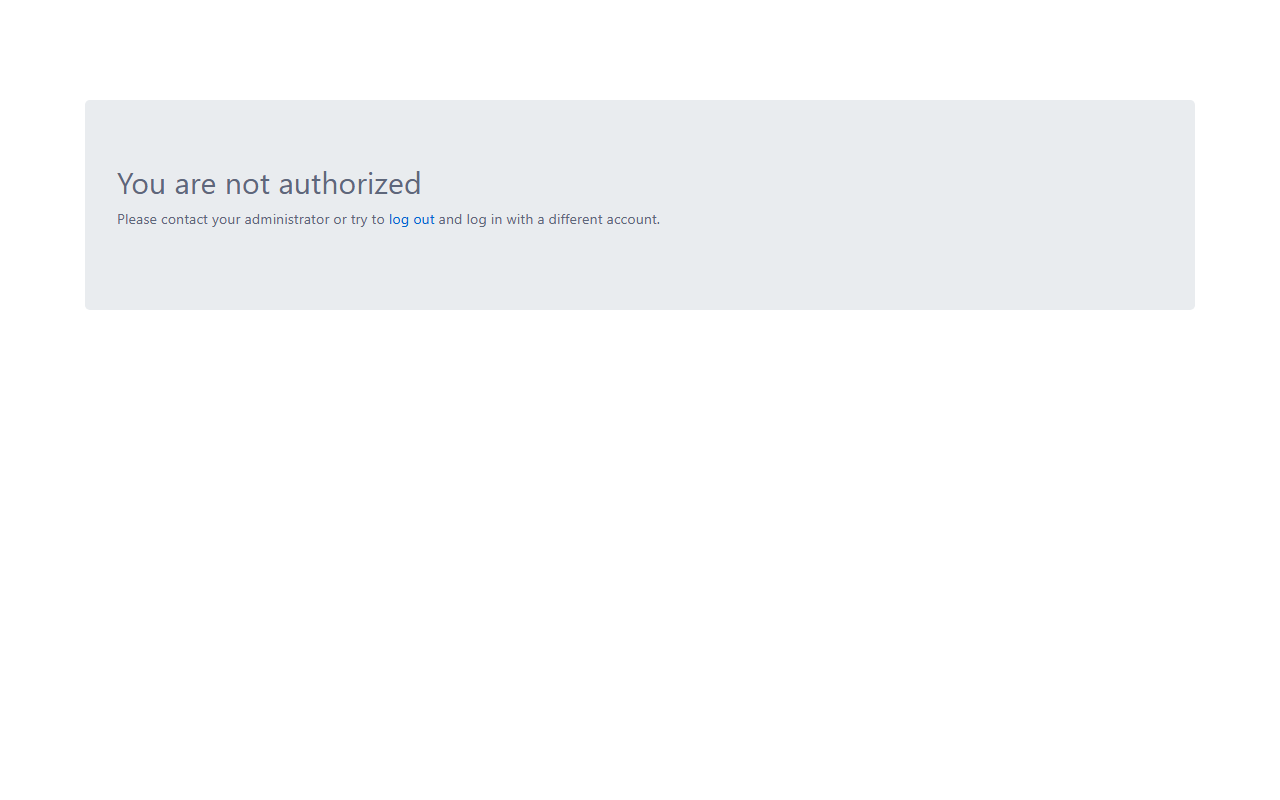
Sign in to https://grants-caseworker.casewhere.com/ as Anna Berg. Casewhere refuses the sign-in with You are not authorized: the site has Verify Worker Site Claim on, and Anna's AccessibleWorkerSites claim lists only the portal.
Next: Wrap up.