Data source overview
In Casewhere, applications and components fetch data from data sources instead of connecting directly to the database. This hides database complexity while maximizing reusability. Data consumers only need to know the output data structure — not where data is loaded or computed. Data sources can be accessed from widgets, workflows, and worker site components.
In this section
| Topic | Description |
|---|---|
| Data source management | Create and configure data sources |
| Scripting data source | Build data sources using C# scripts |
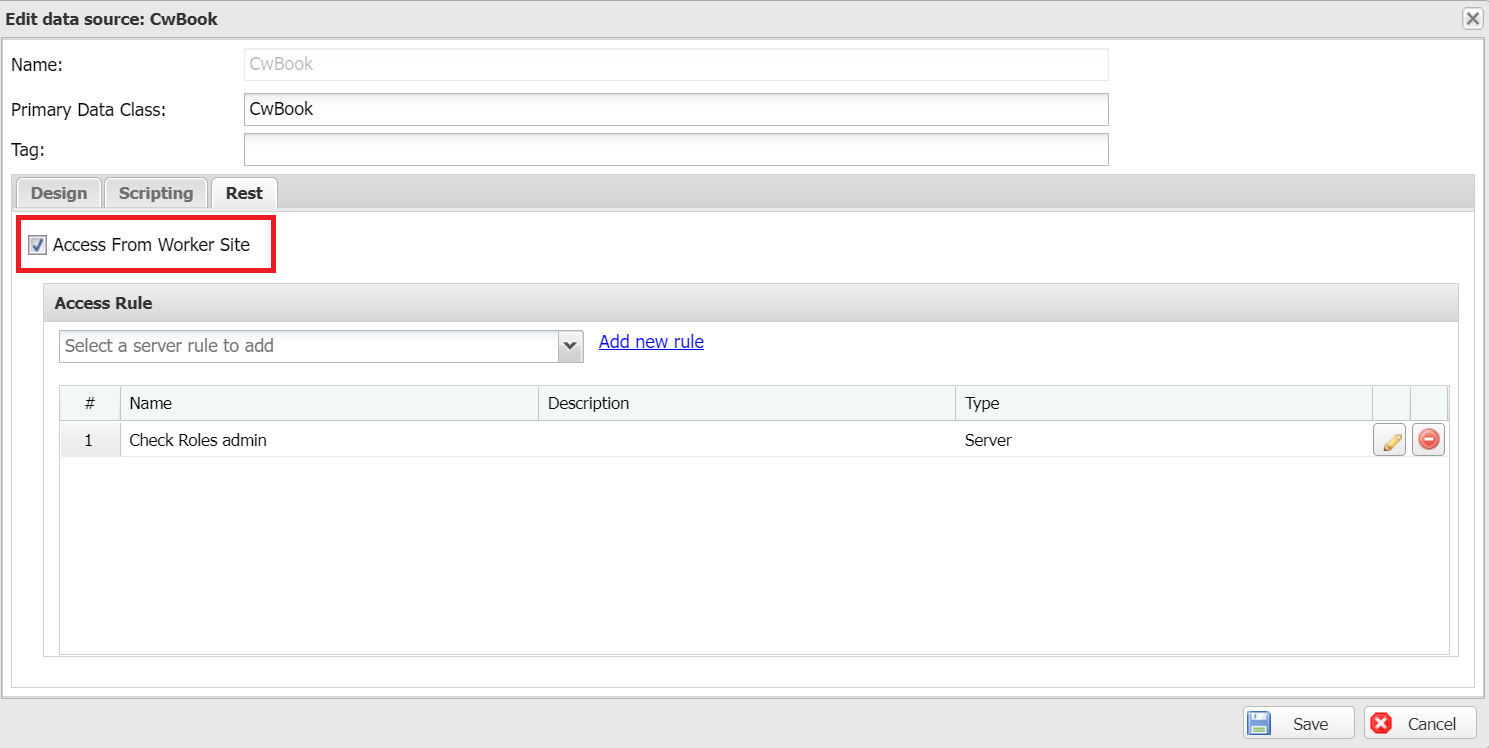
| RESTful data source | Expose a data source over HTTP for worker-site frontends |
| Custom collation | Configure locale-aware sorting and filtering |
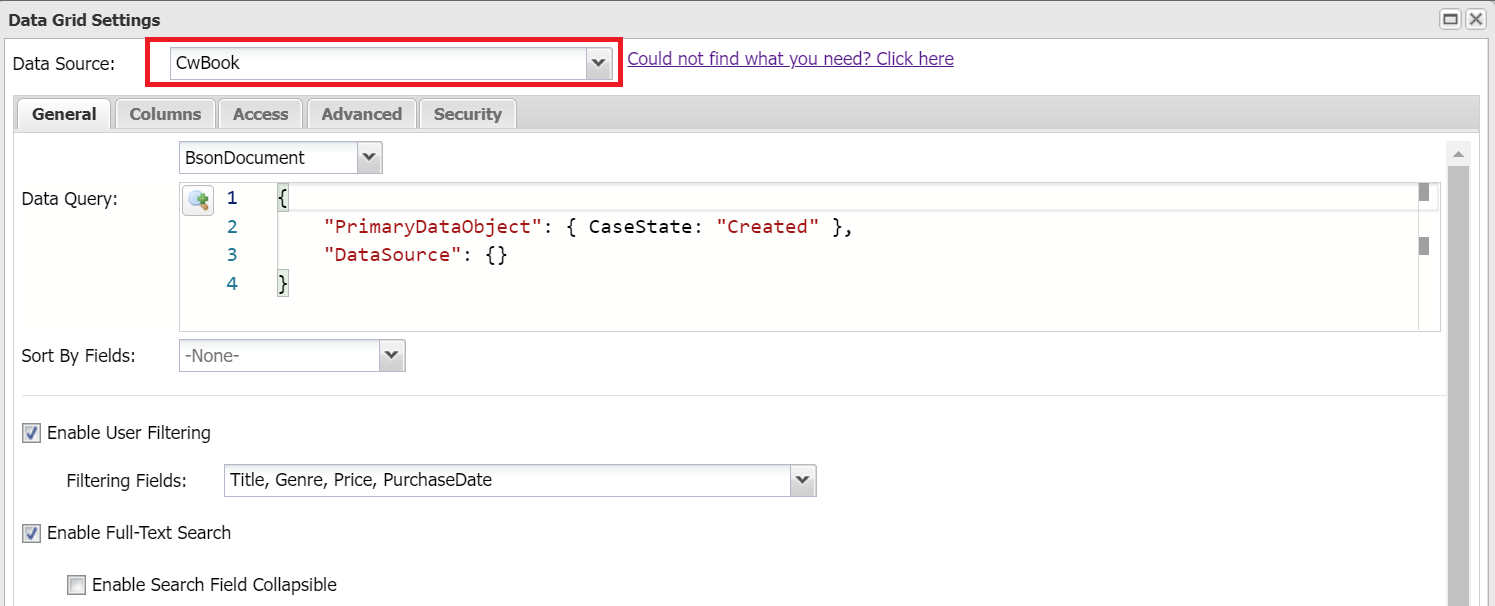
Data sources are used in Casewhere widgets:
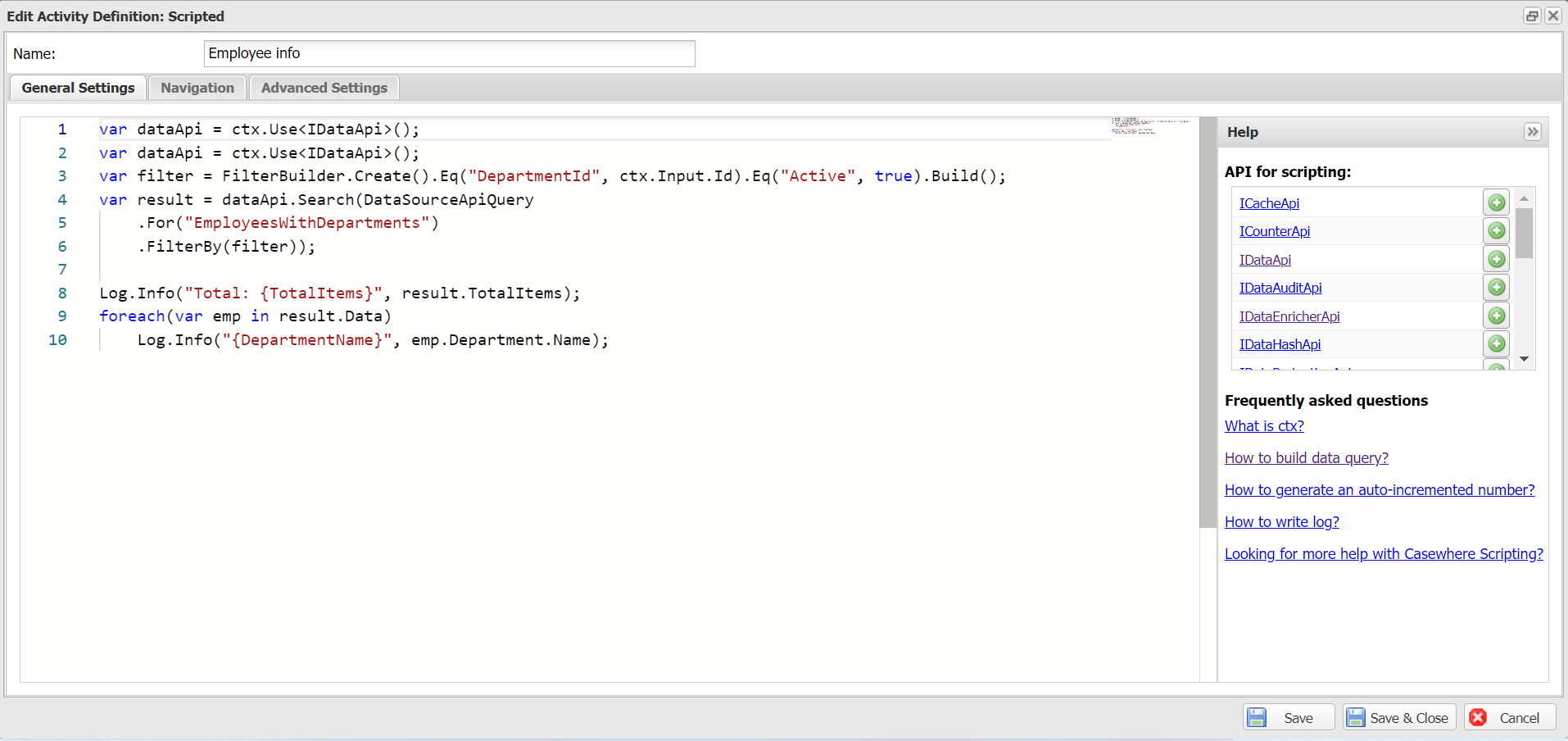
or in Casewhere workflows:
It's also possible to access data sources from worker site components: