Test workflow navigation
The navigation of a workflow decides which activities run, in which order, and which forms can still be changed. A navigation test runs the workflow with the data of one route, and checks that the workflow took that route.
This article tests the routes of DocsWf Submit Application, the workflow of Test a workflow. The applicant gets a receipt, unless they ask for none on the Submit form, which sets the workflow variable IsSkipReceipt. Three activities have rules on the variables of the workflow:
| Activity | Rule |
|---|---|
| Project form | Editable Until ctx.Get<bool>("IsSubmitted") |
| Stop if no receipt needed | Included When ctx.Get<bool>("IsSkipReceipt") |
| Receipt | Included When !ctx.Get<bool>("IsSkipReceipt") |
Check the route
The test DocsWf Submit Application skips the receipt takes the route without a receipt. Its Arrange gives the Submit form the data of the route, and nothing else:
var testApi = ctx.Use<ITestApi>();
const string workflow = "DocsWf Submit Application";

// The applicant asks for no receipt on the Submit form
testApi.Submit(workflow, "Submit form",
    FormSubmittedDataObject.Create("WorkflowVariables", new { IsSkipReceipt = true }));
Its Assert checks the route, and the rules behind it:
var testApi = ctx.Use<ITestApi>();
const string workflow = "DocsWf Submit Application";

// The route: the workflow stops after the submission, without a receipt
testApi.AssertPath(workflow, "Set data source", "Project form", "Set Rates", "Applicant form",
    "Submit form", "Submit", "Stop if no receipt needed");
testApi.AssertNotReached(workflow, "Receipt");
testApi.Check(testApi.IsWorkflowCompleted(workflow), "The stop activity ends the workflow");

// The rules behind the route
testApi.Check(!testApi.IsActivityIncluded(workflow, "Receipt"), "The receipt is left out");
testApi.Check(!testApi.IsActivityEditable(workflow, "Project form"), "The project is locked");
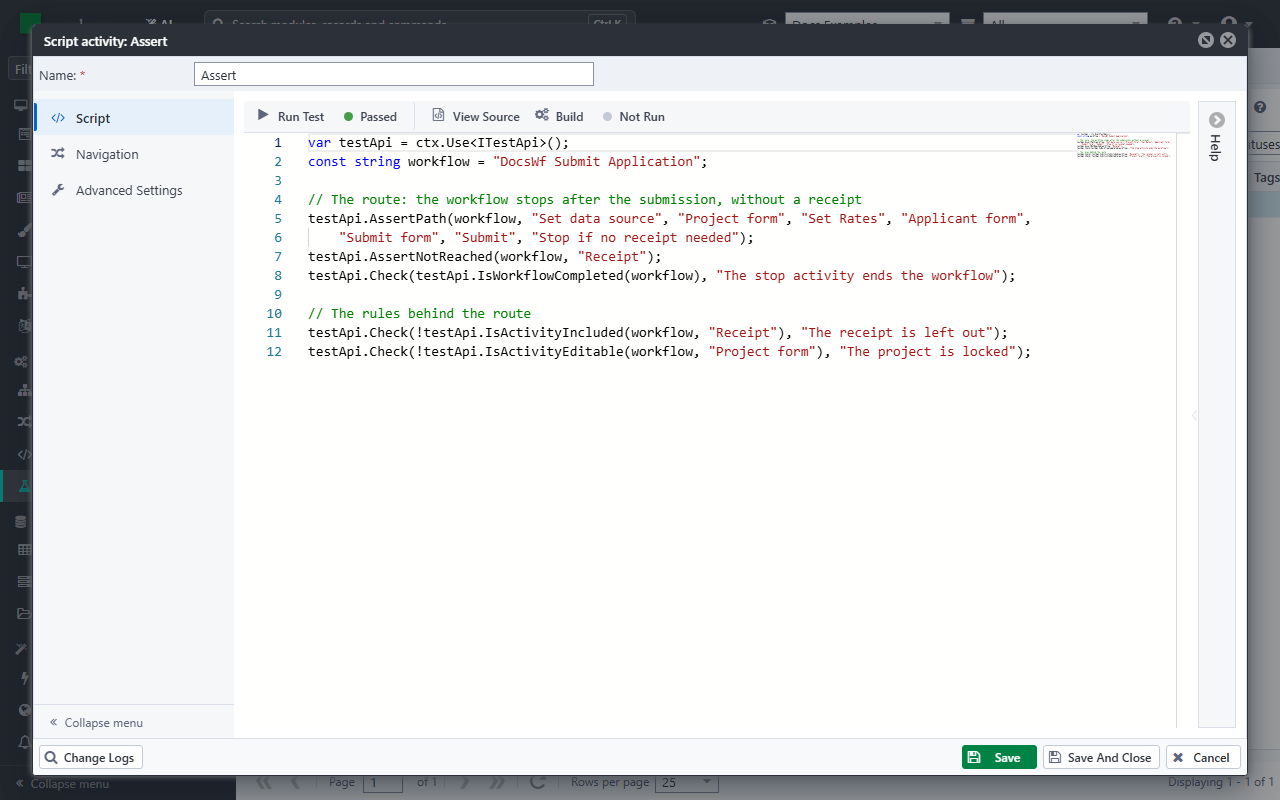
AssertPathchecks the activities that ran: exactly these, in this order.AssertNotReachedchecks that an activity did not run.IsActivityIncludedandIsActivityEditablegive the result of the inclusion rule and of the editable rule of an activity.- A workflow that a stop activity ends counts as completed.
Like True, AssertPath and AssertNotReached stop the test when they fail. The error then shows both routes, and the rules of the activity where they part. Had the test expected the receipt, it would fail with:
Path of 'DocsWf Submit Application' should be [Set data source -> Project form -> Set Rates -> Applicant form -> Submit form -> Submit -> Receipt] but was [Set data source -> Project form -> Set Rates -> Applicant form -> Submit form -> Submit -> Stop if no receipt needed]. Gates of 'Receipt': inclusion: IncludedWhen [!ctx.Get<bool>("IsSkipReceipt")] => False; required: Optional => False.
Write one test for each route. The other route of the example, with a receipt, is the test of Test a workflow.
Where the route ends
The route goes as far as the forms let it. A form with required fields that gets no data from the test stops the workflow, as a user who leaves them empty cannot go on. The activities after that form do not run:
AssertPathfails, even when the route is right.AssertNotReachedpasses for all of them, whatever their rules say.- The test still runs Assert, and can pass: check
IsWorkflowCompletedwhen the workflow has to run to the end.
Give every form on the route the data it needs. When that is more than the test is about, check the rules instead: after the run, Casewhere evaluates the inclusion rules of all the activities, also of the ones after the form where the workflow stopped. IsActivityIncluded then tells which activities the route would include.
Note
An activity that is Included Until Completed is no longer included once it has run, so IsActivityIncluded returns false for it after the run. To know whether an activity ran, use IsActivityCompleted or Path.
Test the route without the scripts
NavigationOnly() in Arrange skips the scripts of the workflow under test. Its forms, steps and rules work as usual. Use it when the scripts need what the test does not have, such as an external service, and only the route matters.
A rule that reads a variable that a skipped script sets then reads nothing. The script Set data source of the example sets IsSubmitted and IsSkipReceipt to false. Without it, both rules on IsSkipReceipt are false: the workflow ends after Submit, with neither the stop activity nor the receipt, a route it never takes for a user. Set those variables yourself, in an OnExecuted of the skipped script. It runs for a skipped script too:
var testApi = ctx.Use<ITestApi>();
const string workflow = "DocsWf Submit Application";

// Only the route: the scripts of the workflow are skipped
testApi.NavigationOnly();

// The variables the skipped script "Set data source" sets, for the rules that read them
testApi.OnExecuted(workflow, "Set data source", () =>
{
    testApi.Set(workflow, "IsSubmitted", false);
    testApi.Set(workflow, "IsSkipReceipt", false);
});
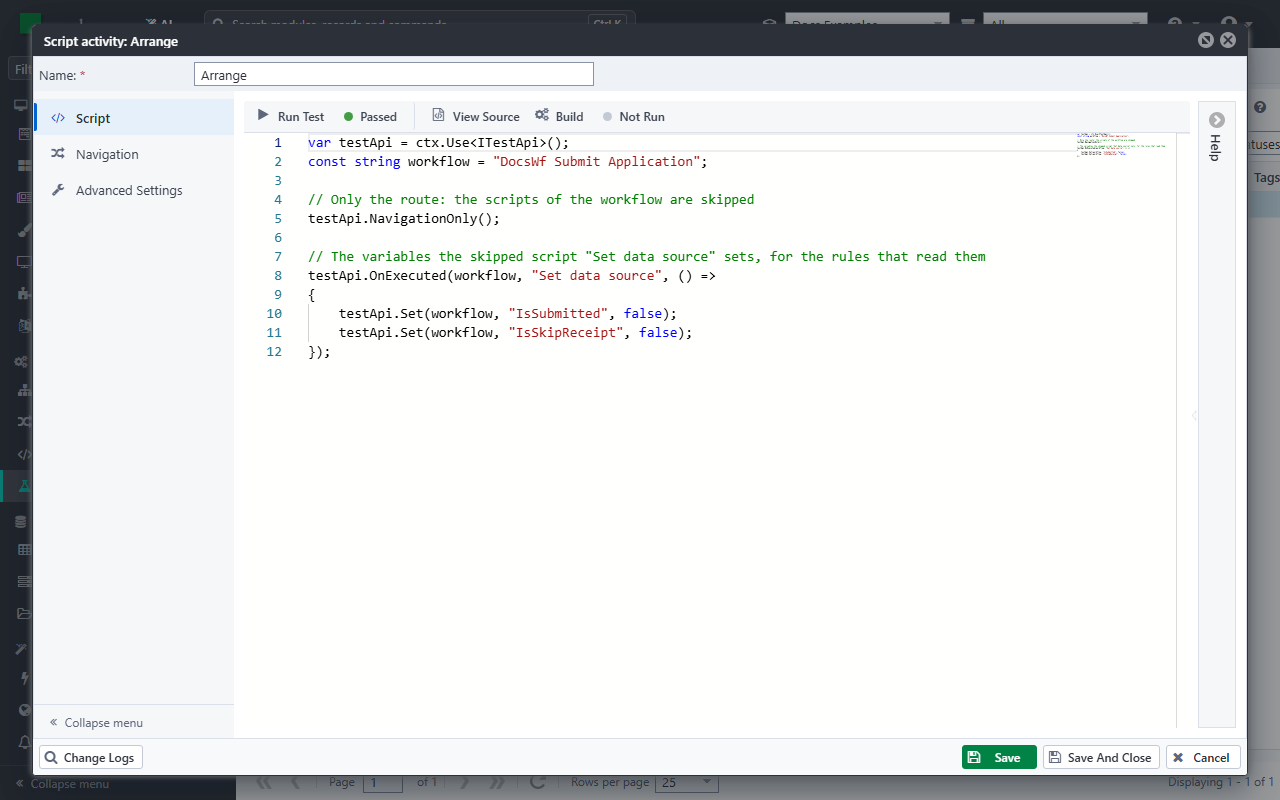
Assert checks the route with the receipt:
var testApi = ctx.Use<ITestApi>();
const string workflow = "DocsWf Submit Application";

testApi.AssertPath(workflow, "Set data source", "Project form", "Set Rates", "Applicant form",
    "Submit form", "Submit", "Receipt");
testApi.Set(workflow, variable, value) sets a variable of the workflow under test, and only works while that workflow runs: in OnExecuting and OnExecuted. ctx.Set in the scripts of the test sets a variable of the test workflow, which the workflow under test does not see.
Check the forms
The state of the components of a form follows their rules too. GetFormState gives the state of all the components of a form after the run, and IsFormFieldVisible, IsFormFieldEnabled, IsFormFieldRequired and IsFormFieldReadonly the state of one:
var form = testApi.GetFormState("DocsWf Submit Application", "Submit form");
testApi.Check(form["AgreeTerms"].Visible, "The applicant sees the terms");
See Test API for all the methods.