Rule management
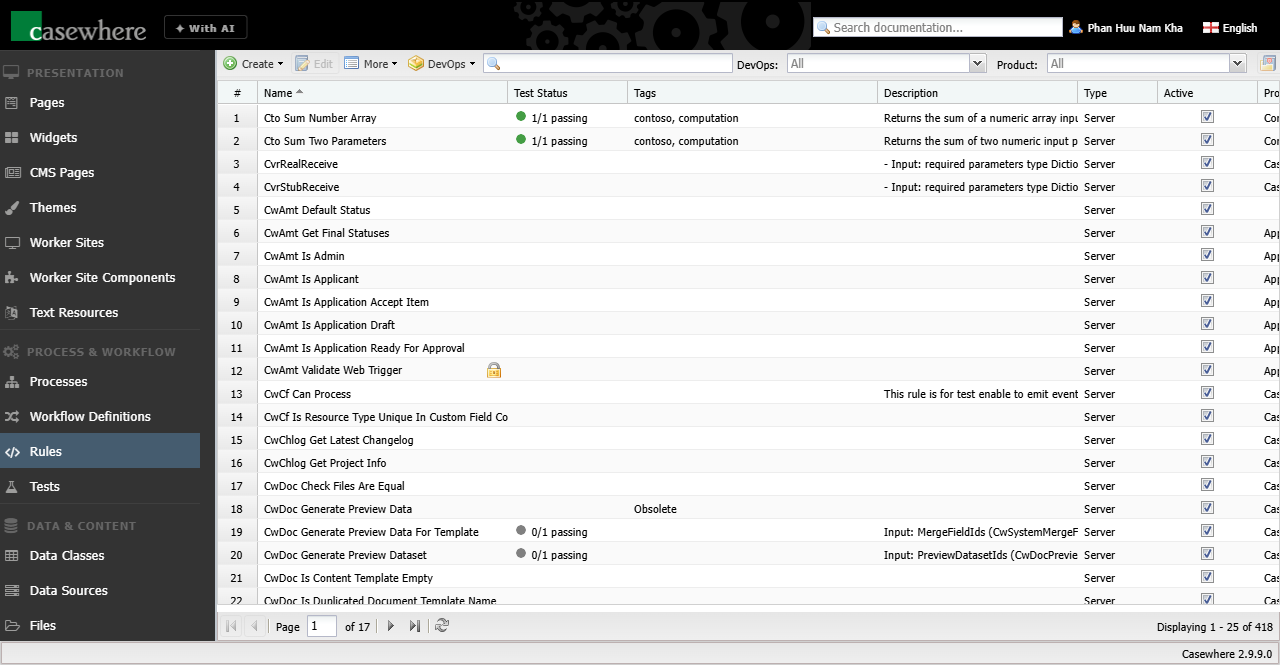
In Casewhere Admin, navigate to Rules to create, edit, and manage rules for your solution. Rules are managed like any other product resource.
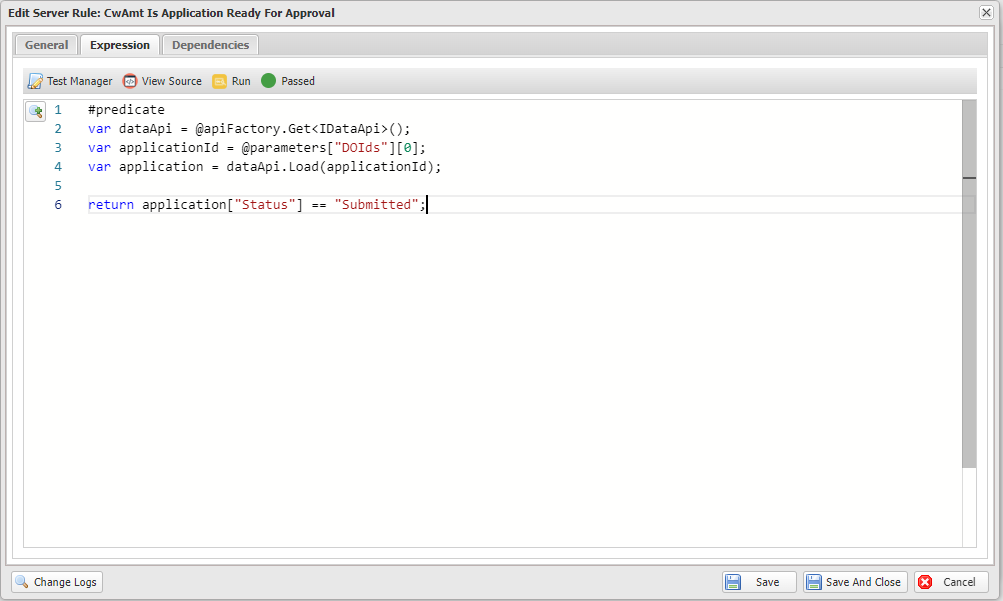
The rule editor is where you compose the rule expression. You can also see which resources are using the rule.
Rule information
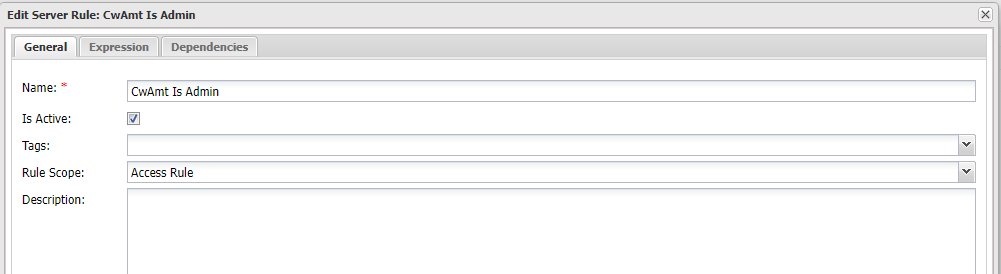
A rule has the following properties:
| Name | Type | Description |
|---|---|---|
| Name | string | The name of the rule. Must be unique. |
| Expression | string | A C# expression. Learn more about rule syntax. |
| Description | string | A description of what the rule does, what parameters it accepts, etc. |
| Is Active | bool | Whether the rule is active. Casewhere ignores inactive rules but throws an error if an inactive rule is referenced at runtime. |
| Rule Type | enum | Whether the rule runs on the back end or in the browser. A Server Rule is C# evaluated server-side; a Client Rule is a JavaScript expression evaluated in the browser for UI-only logic. |
| Rule Scope | enum | Specifies the context in which the rule is used. For example, Access Rule is used to protect resources, while Computation Rule serves a general purpose such as performing an action and returning a value. |
Rule testing
You can write automation tests for rules in Casewhere. It is recommended to test every rule and package the tests in the same product for reliability.
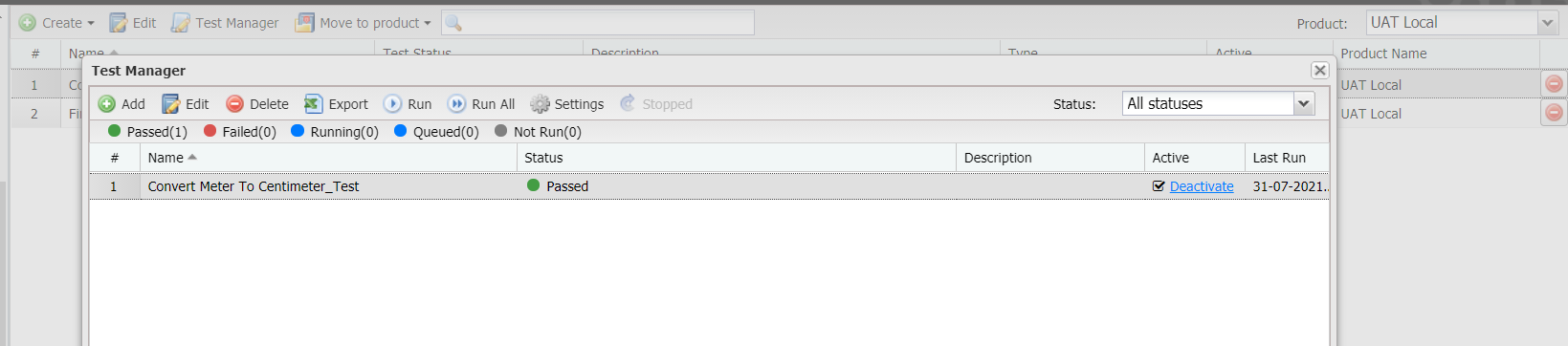
Select the rule you want to test, then select Test Manager to manage all tests related to that rule.