Create the product
Introduction
A product is the container of an application: its data classes, workflows, pages, widgets, rules and texts all belong to it. A product is also what you move between environments, for example from development to test and production.
In this chapter you create the product Grant Applications and make it the product you work in.
Create the product
Open Products in the menu and click Create.
Fill in General Settings:
Field Value Name Grant Applications Version 1.0 Description Tutorial: people apply for a grant in a portal; caseworkers review and decide. Namespace: Ga. 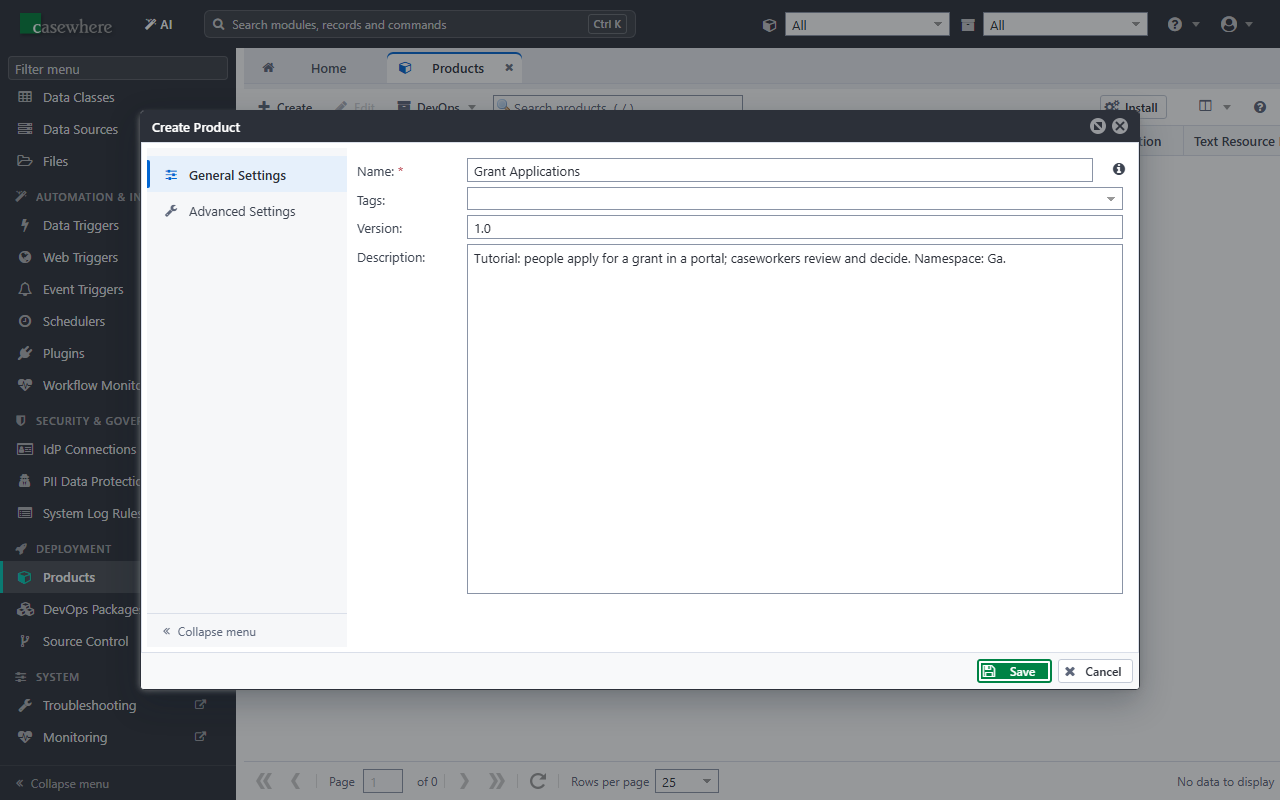
Open Advanced Settings and fill in:
Field Value Text Resource Prefix Key ga_ 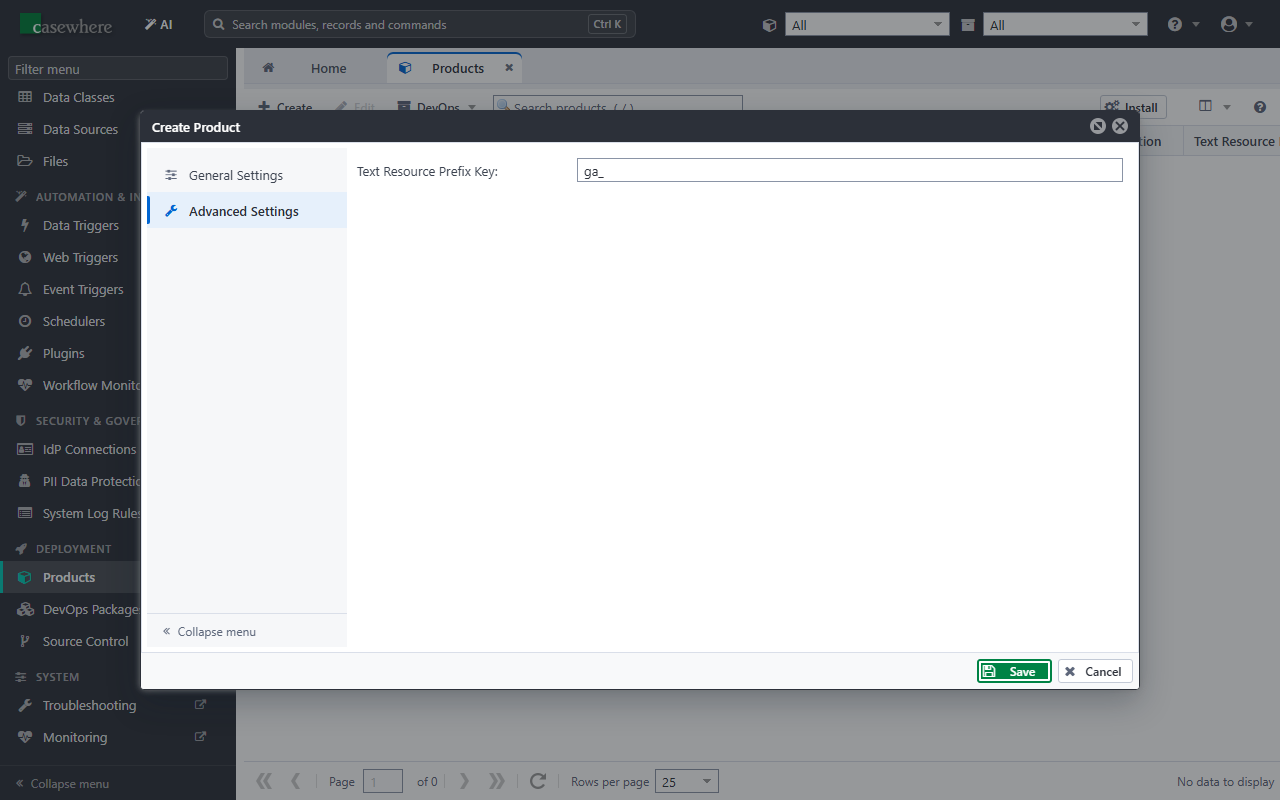
The prefix is added to the keys of the product's text resources, so they never clash with the texts of other products.
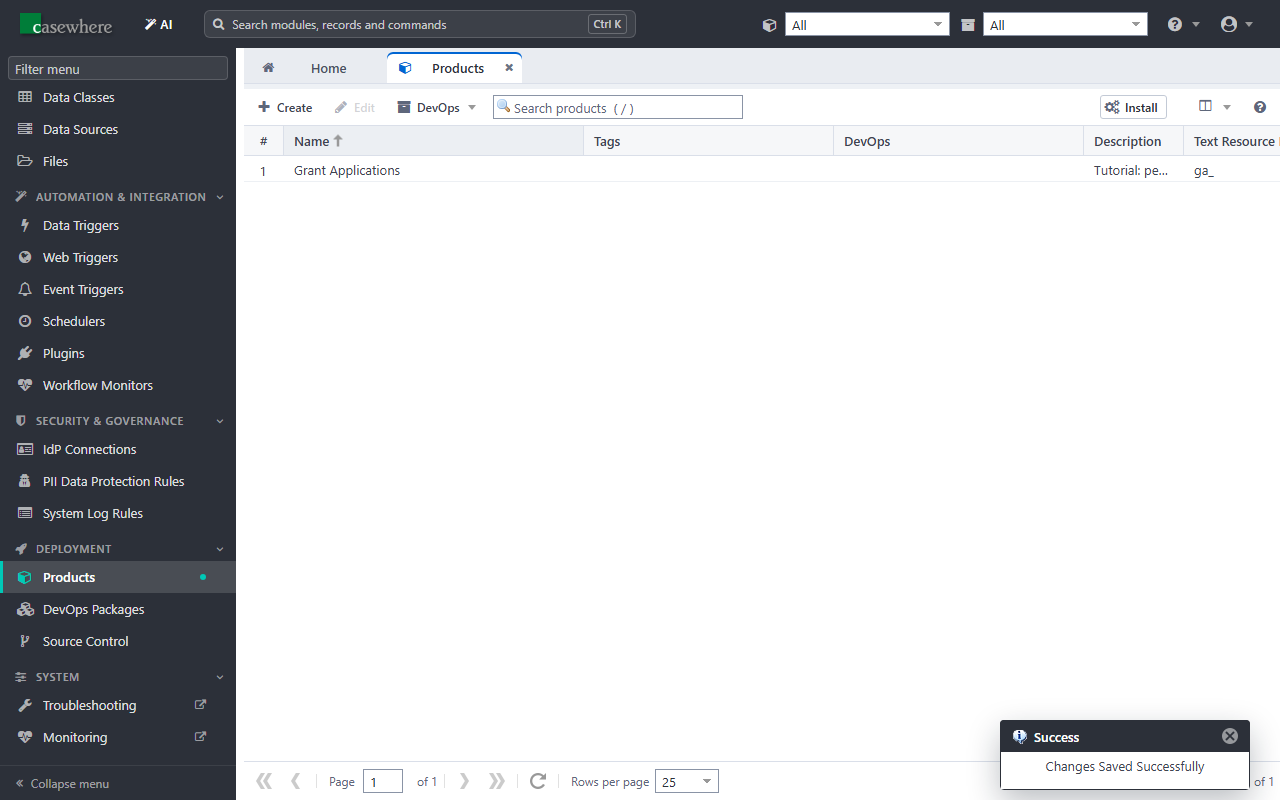
Click Save. The product is now in the list.
Work in the product
At the top of Casewhere Admin, the product selector (next to the search box) decides which product you work in. The lists show only that product's records, and everything you create belongs to it.
Open the product selector and choose Grant Applications.

Important
Keep Grant Applications selected for the rest of the tutorial. A record you create while All is selected belongs to no product, and you have to move it into the product afterwards.
Next: Model the data.