Integrate with Power BI
Integrating with business intelligence platforms like Power BI is one of the best ways to visualize your data and gain more insights about the business. This article demonstrates the solutions to connect Casewhere data from Power BI, but the same techniques can be applied to other platforms.
REST API
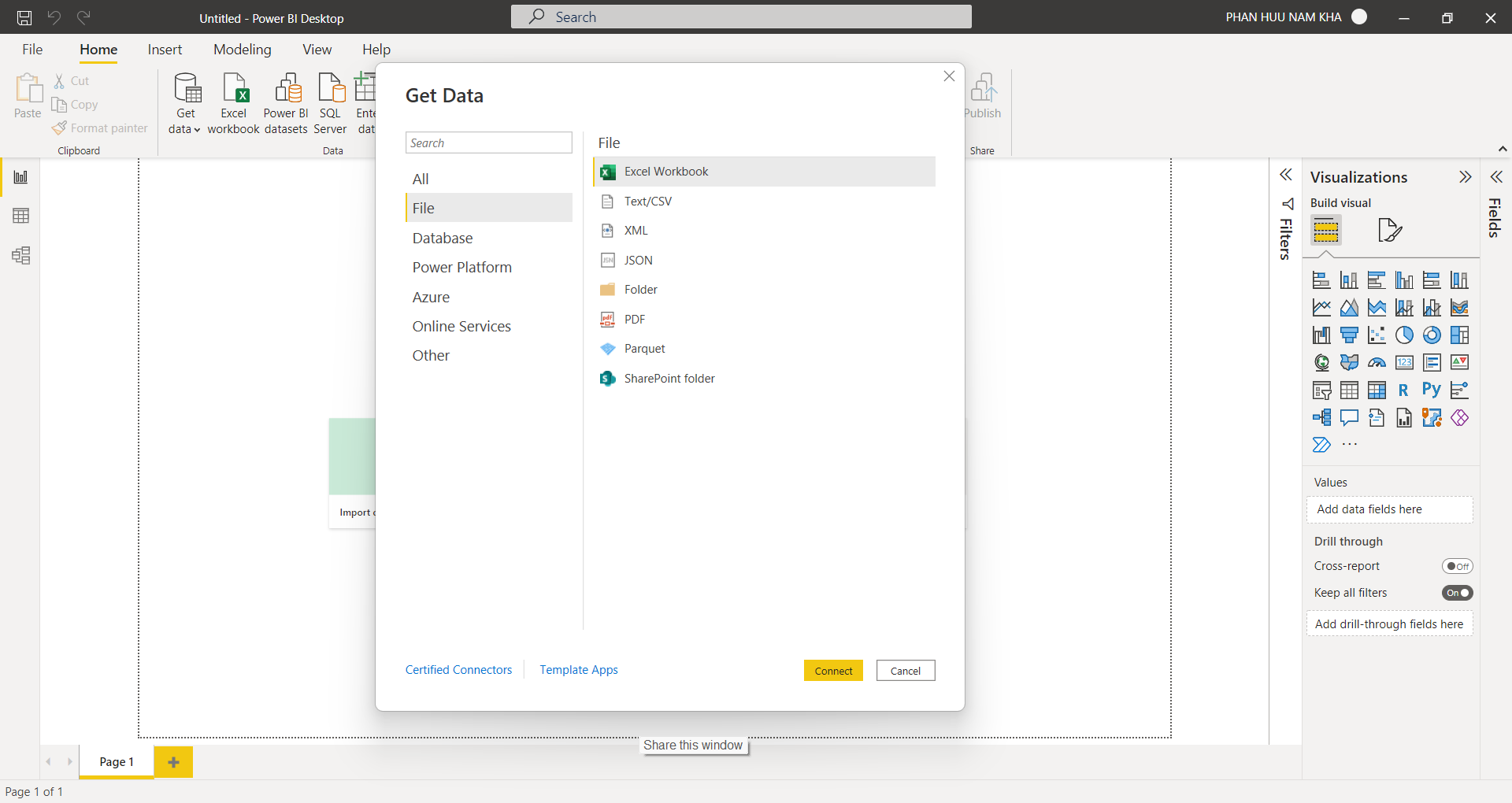
Like most business intelligence platforms, Power BI supports a Web Connector to load data from a web endpoint. Here you can use an API Key to protect the communication.
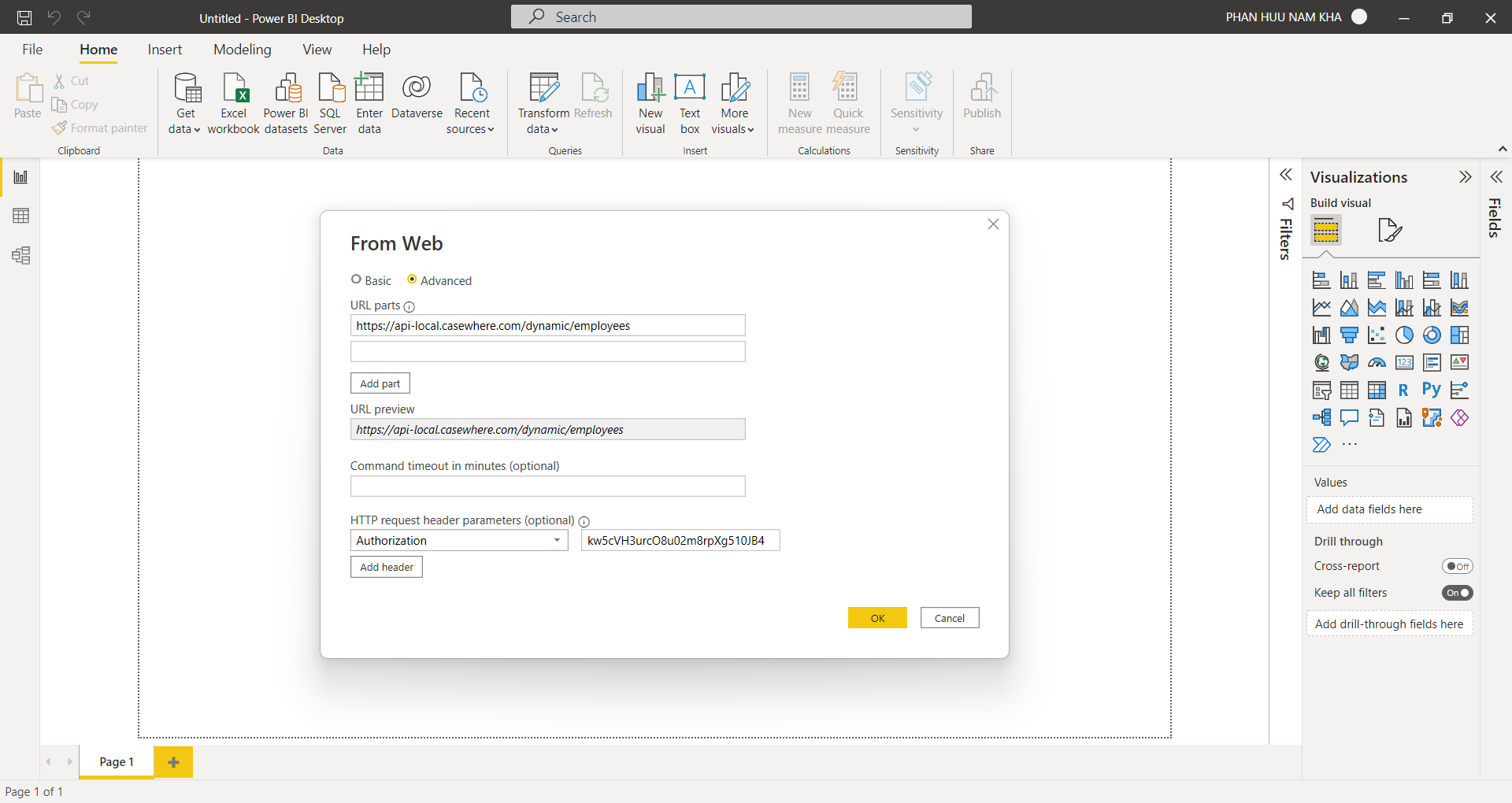
While you can totally implement the REST API yourself with Casewhere web trigger, in this article, we want to recommend the component Rest data source, which is designed to optimize for scenarios like this. The component provides many friendly tools to simplify the configuration and speed up the development.
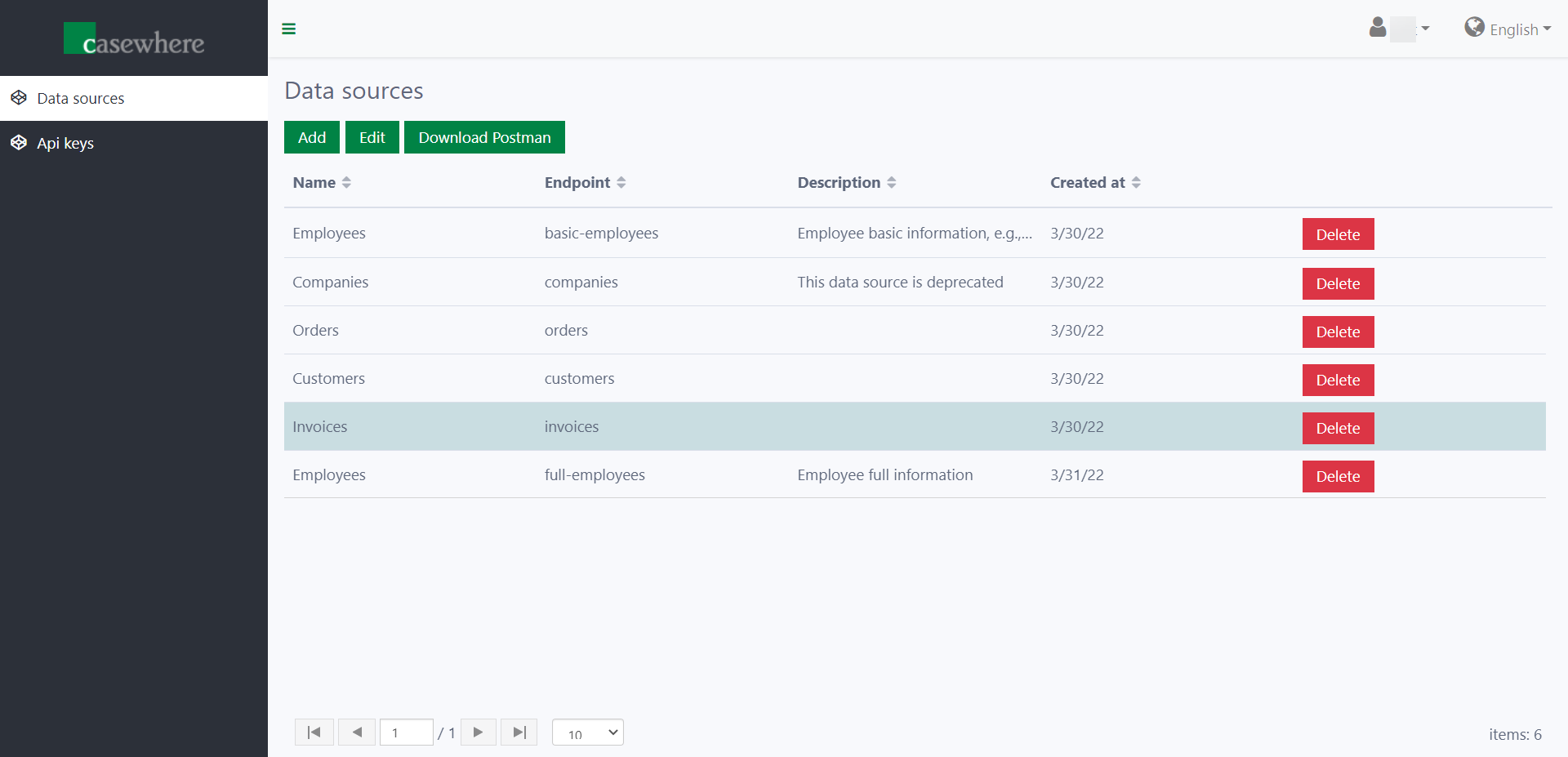
There is a friendly interface for managing data sources.
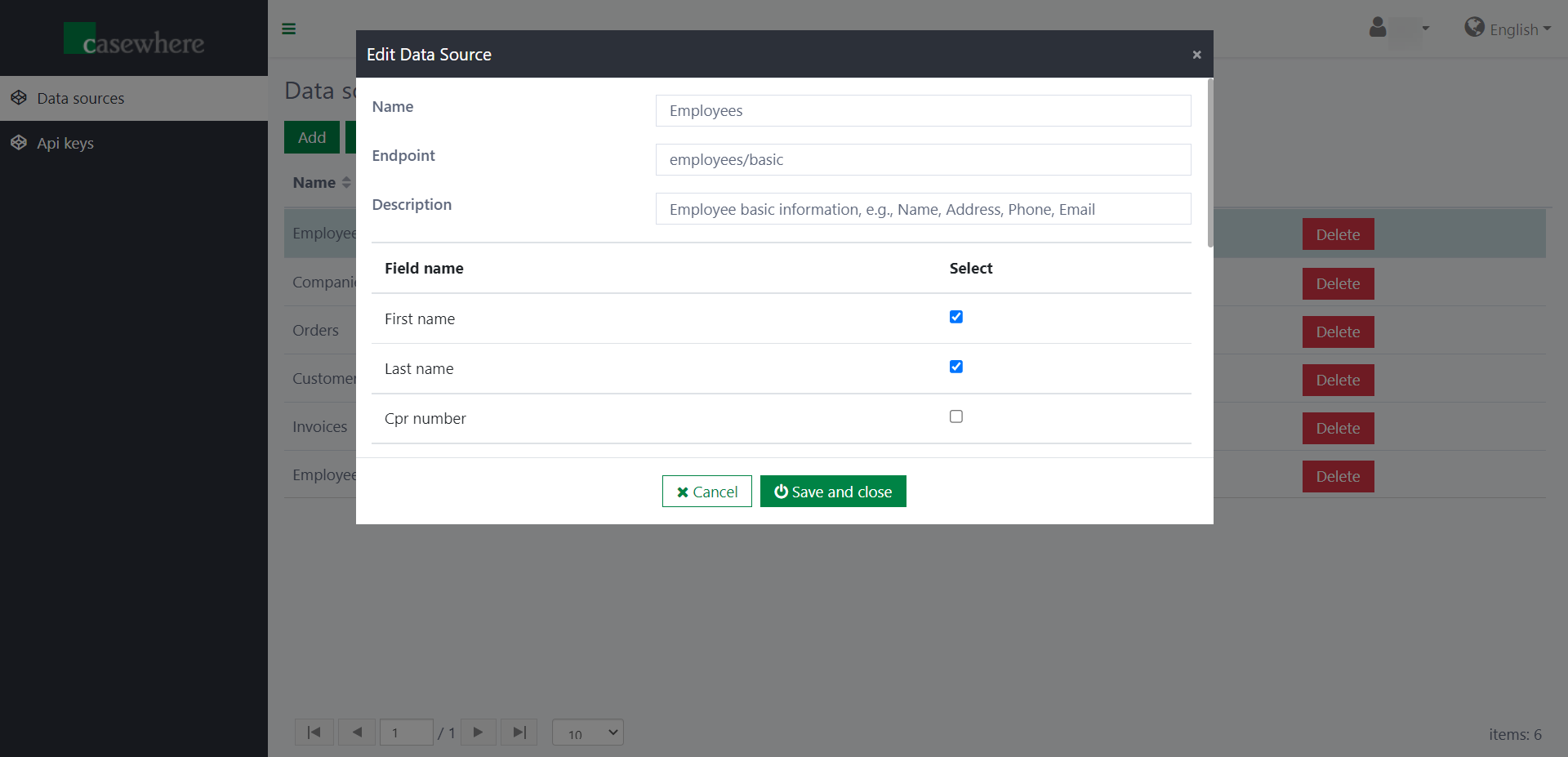
It's possible to create multiple endpoints for a single data source to return different portions of data. For example, you can create an endpoint employees/full to return all fields of employees, while having another one employees/basic just to return essential information.
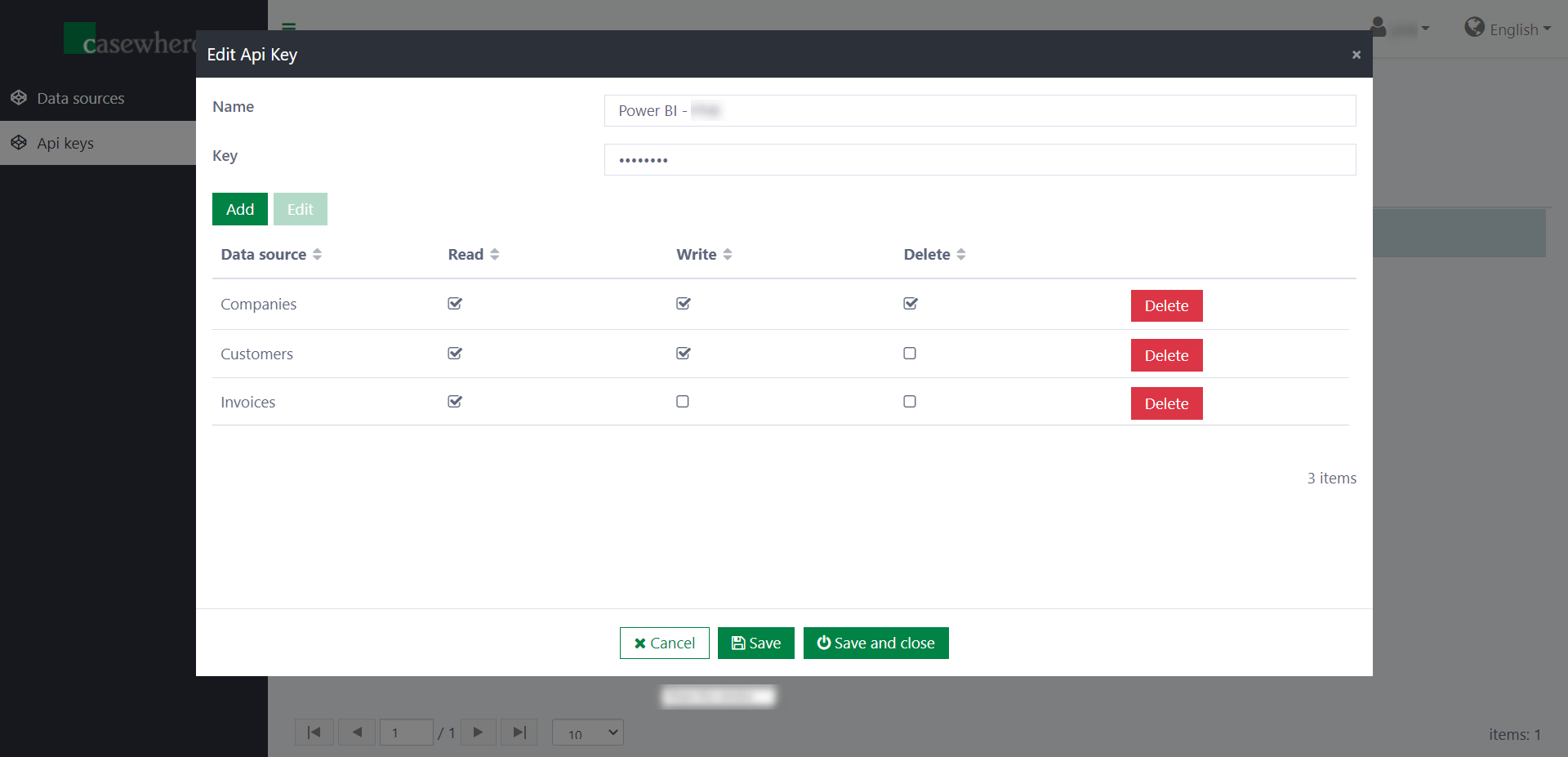
The component provides an interface for managing API keys. Here you can decide which data sources are enabled for a specific API key and which permissions (read, write, delete) the user (using the API key) has on each data source.
File extraction
Another popular approach is exporting data to a file and uploading it to storage where Power BI can read from.
Instead of implementing the integration from scratch, you can save a lot of effort by using the component Data export. You can configure which and how data is exported, the location where the files are uploaded. The component supports SFTP by default, but it's totally possible to integrate with different file storages like FTP, Azure Storage, SharePoint, etc.