Data class management
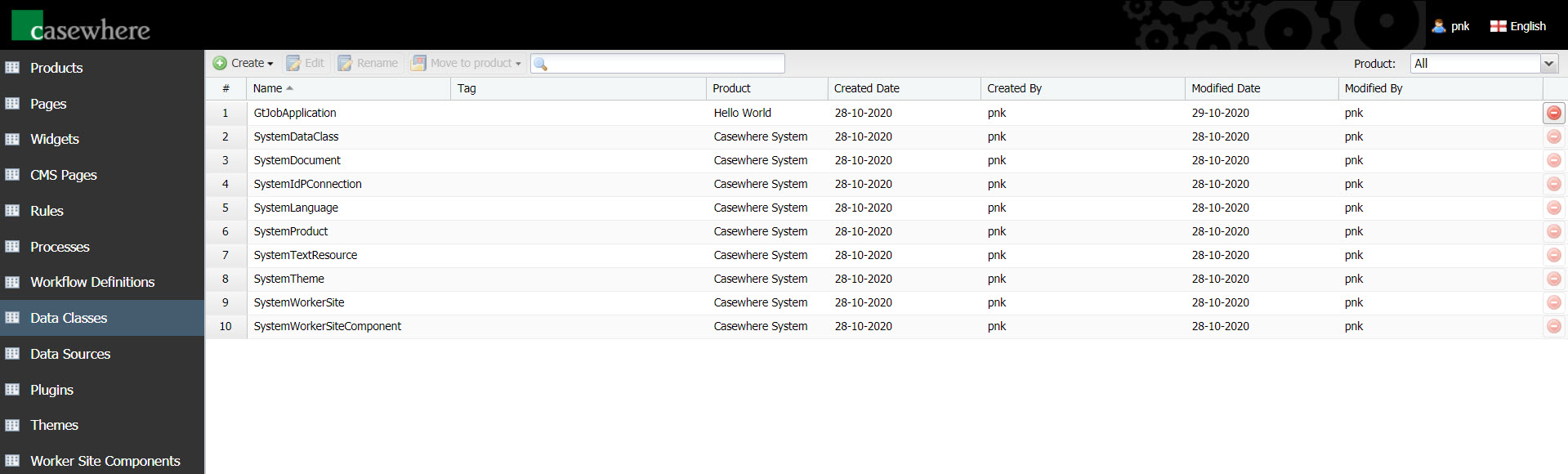
In Casewhere Admin, navigate to Data Classes to design the data model for your solution. From here, you can create, edit, and manage data classes like any product resource.
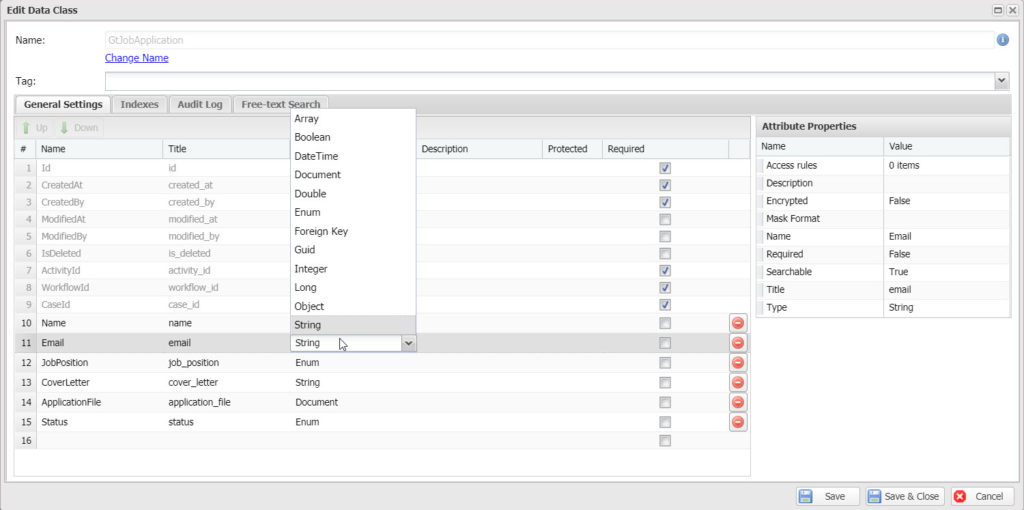
The data class editor is where you define the attributes for your data class and configure advanced settings such as optimizing data queries using indexes, configuring audit logging, enabling free-text search, and more.
Data attributes
Casewhere supports the following attribute types:
| Name | Description |
|---|---|
| Boolean | Represents a Boolean value, which can be either true or false. |
| String | Represents a sequence of zero or more Unicode characters. |
| Guid | Represents a globally unique identifier (Guid). |
| Integer | Represents 4-byte integer numbers from -2,147,483,648 to 2,147,483,647. |
| Long | Represents 8-byte integer numbers from -9,223,372,036,854,775,808 to 9,223,372,036,854,775,807. |
| Double | Represents 8-byte floating-point numbers from ±5.0 × 10⁻³²⁴ to ±1.7 × 10³⁰⁸. |
| Decimal | Represents a 128-bit high-precision decimal number. Suitable for financial and monetary calculations where rounding errors from Double are unacceptable. Stored as MongoDB Decimal128. |
| DateTime | Represents a value of time, typically expressed as a date and time of day. |
| Enum | Represents a combination of choices. You will need to define the options as part of the configuration. |
| Document | Represents a binary file. |
| Object | Represents a dynamic object. |
| Foreign Key | Represents a reference to another data class. |
| Array | Represents an array of elements. Element type can be any singular data type supported by Casewhere. An array of arrays is not supported. |
Working with data classes
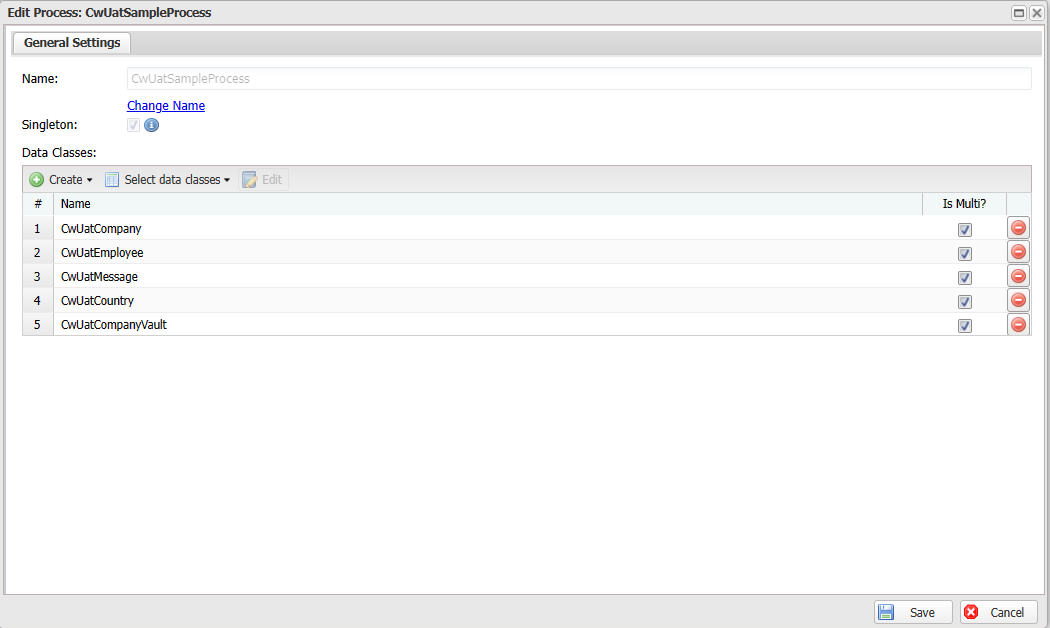
There are two main places where data classes are added: processes and workflow definitions. When data classes are added to a process, it specifies the type of data that can be managed in all cases of that process.
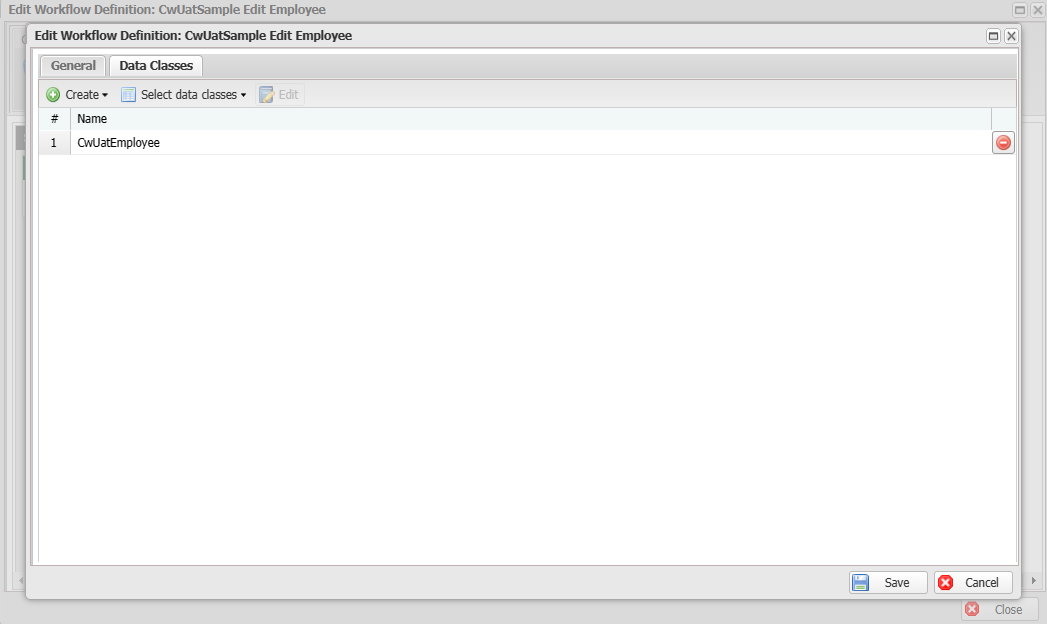
Workflows are responsible for administering case data. By adding data classes to a workflow definition, you specify which workflow definitions can be used for which processes.