Create the worker sites
Introduction
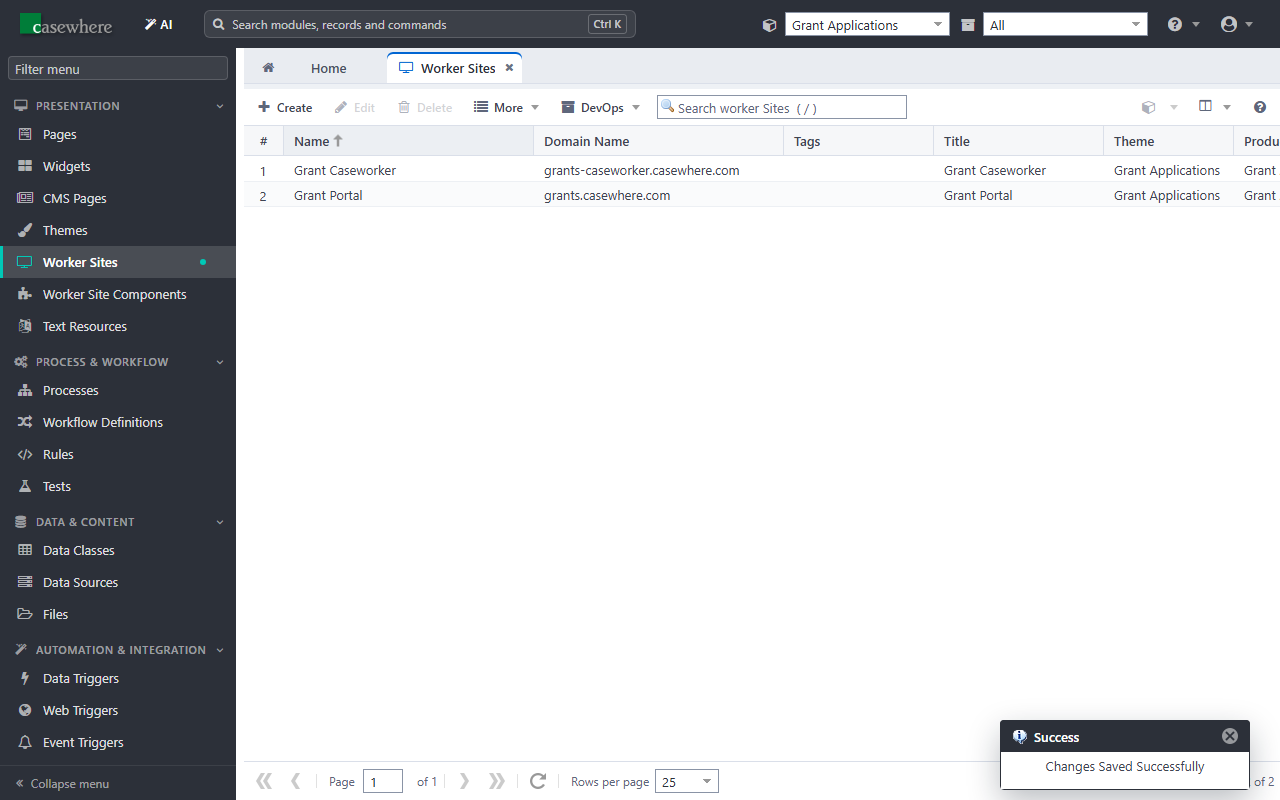
A worker site is a web site your users work in: it has its own address, sign-in, theme, language and menu of pages. The tutorial has two:
| Worker site | Address | Users |
|---|---|---|
| Grant Portal | https://grants.casewhere.com/ |
applicants |
| Grant Caseworker | https://grants-caseworker.casewhere.com/ |
caseworkers |
Both sign in through the Tutorial IdP connection. With Verify Worker Site Claim on, a user can sign in to a site only when the IdP lists the site's address in the user's AccessibleWorkerSites claim: an applicant cannot open the caseworkers' site, even by typing its address.
The host names must reach your Casewhere worker site: in IIS, the Casewhere.Worker.Web site needs an HTTPS binding for each, and DNS (or the hosts file on a developer machine) must point them to the server.
Create the theme
The sites are styled by a theme.
Check that Grant Applications is selected in the product selector.
Open Themes in the menu and click Create.
Fill in General:
Field Value Name Grant Applications Description Theme of the Grant Applications tutorial sites. Layout type Default (sidebar) 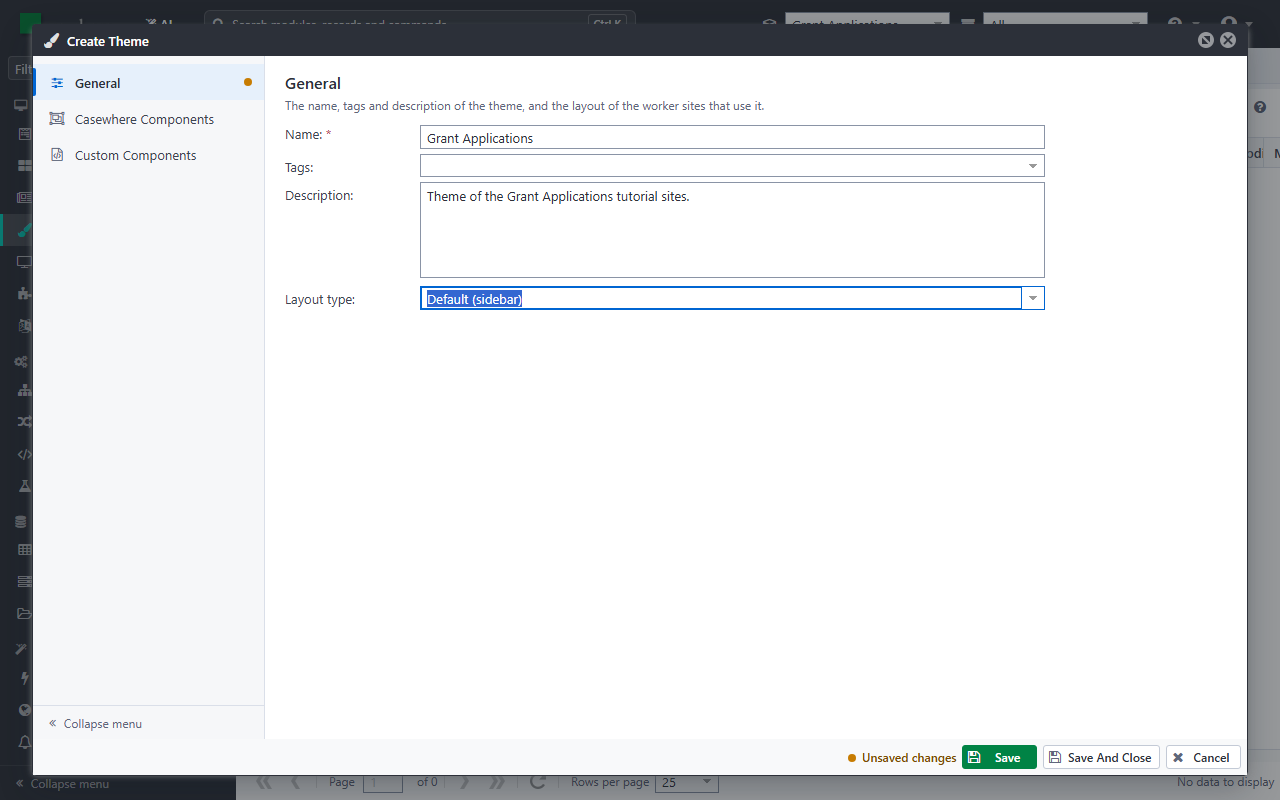
Click Save And Close.
The theme starts from Casewhere's standard components (header, menu, footer); you can change them later in Casewhere Components and Custom Components.
Create Grant Portal
Open Worker Sites in the menu and click Create.
Fill in General Settings:
Field Value Name Grant Portal Uri grants.casewhere.com Is Https ☑ Title Grant Portal Theme Grant Applications Is Active ☑ 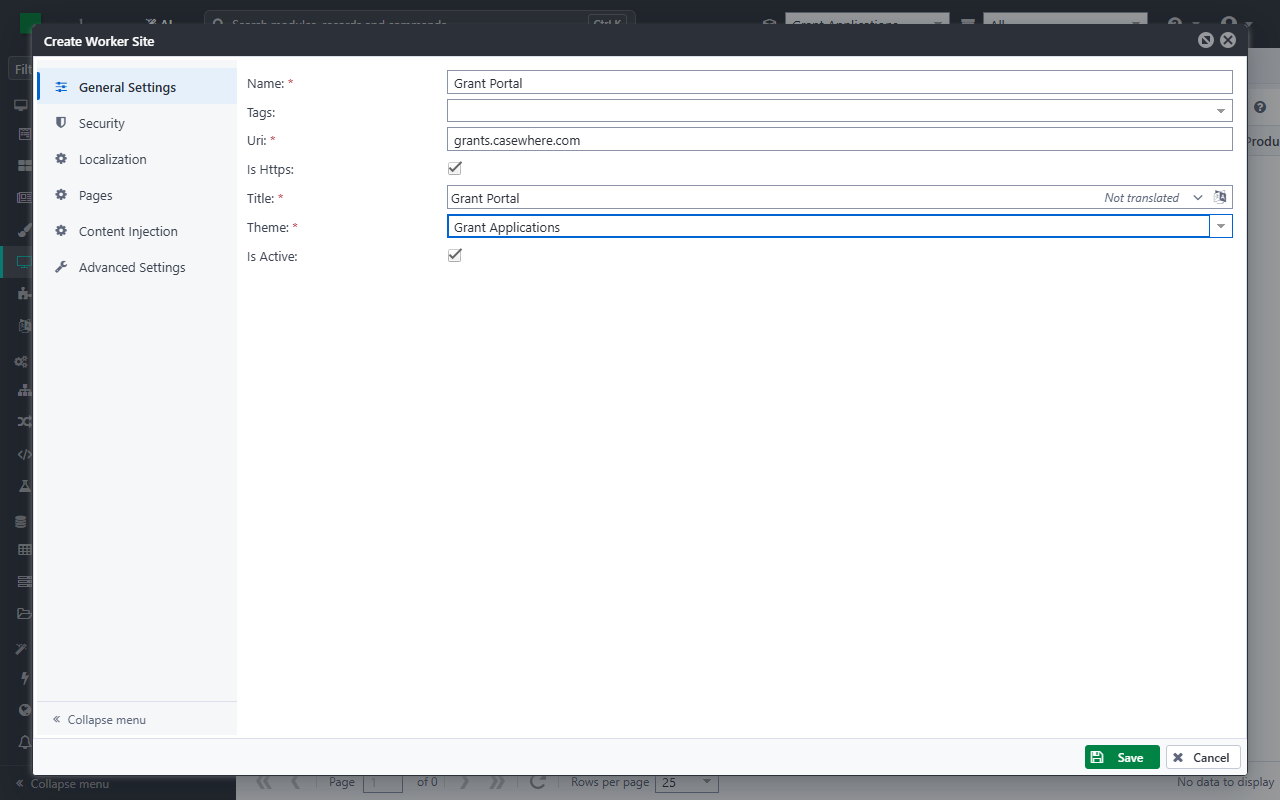
Uri is the bare host name: no
https://, no path.Open Security:
Field Value Enable Anonymous User ☐ IdP Connection Tutorial IdP Entity ID https://grants.casewhere.com Enable SSO ☑ Verify Worker Site Claim ☑ 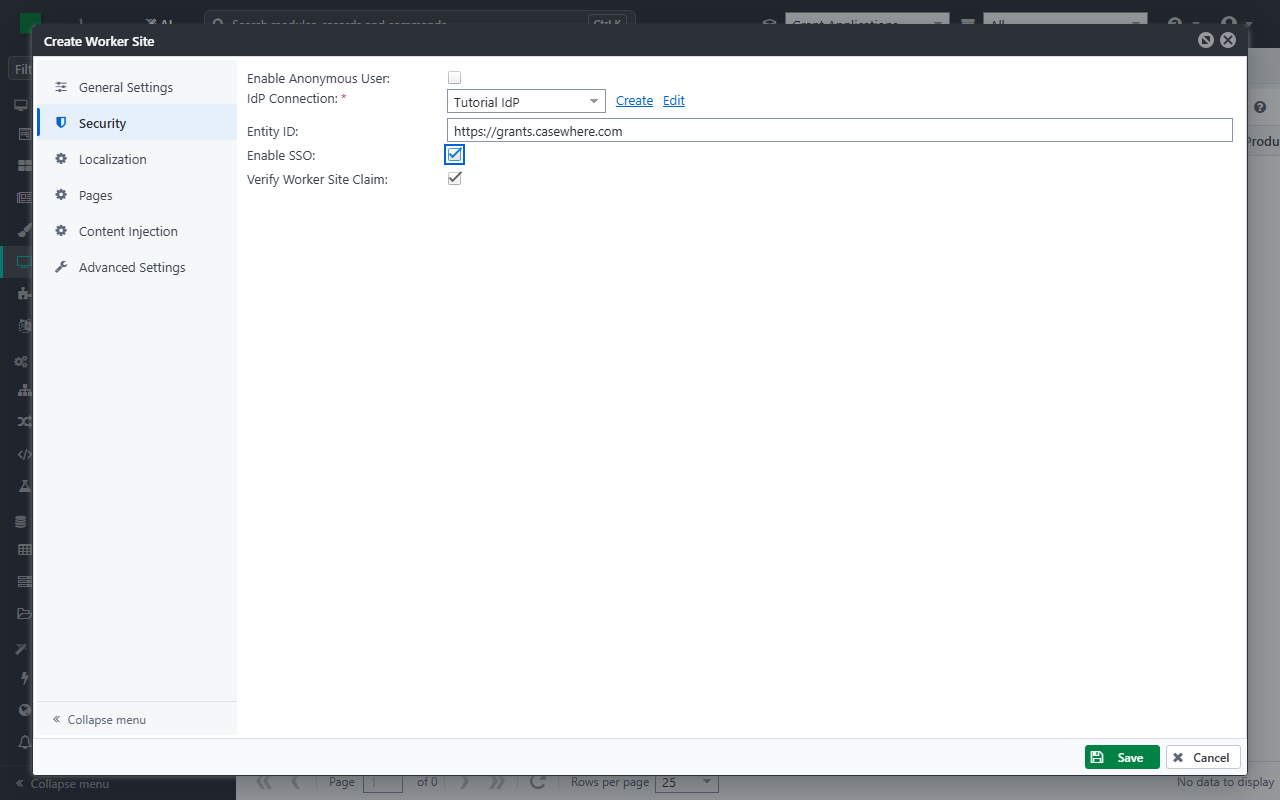
The Entity ID identifies the site to the IdP. With a real IdP, register it there as a service provider (relying party).
Open Localization:
Field Value Default Language English Timezone (UTC+01:00) Brussels, Copenhagen, Madrid, Paris 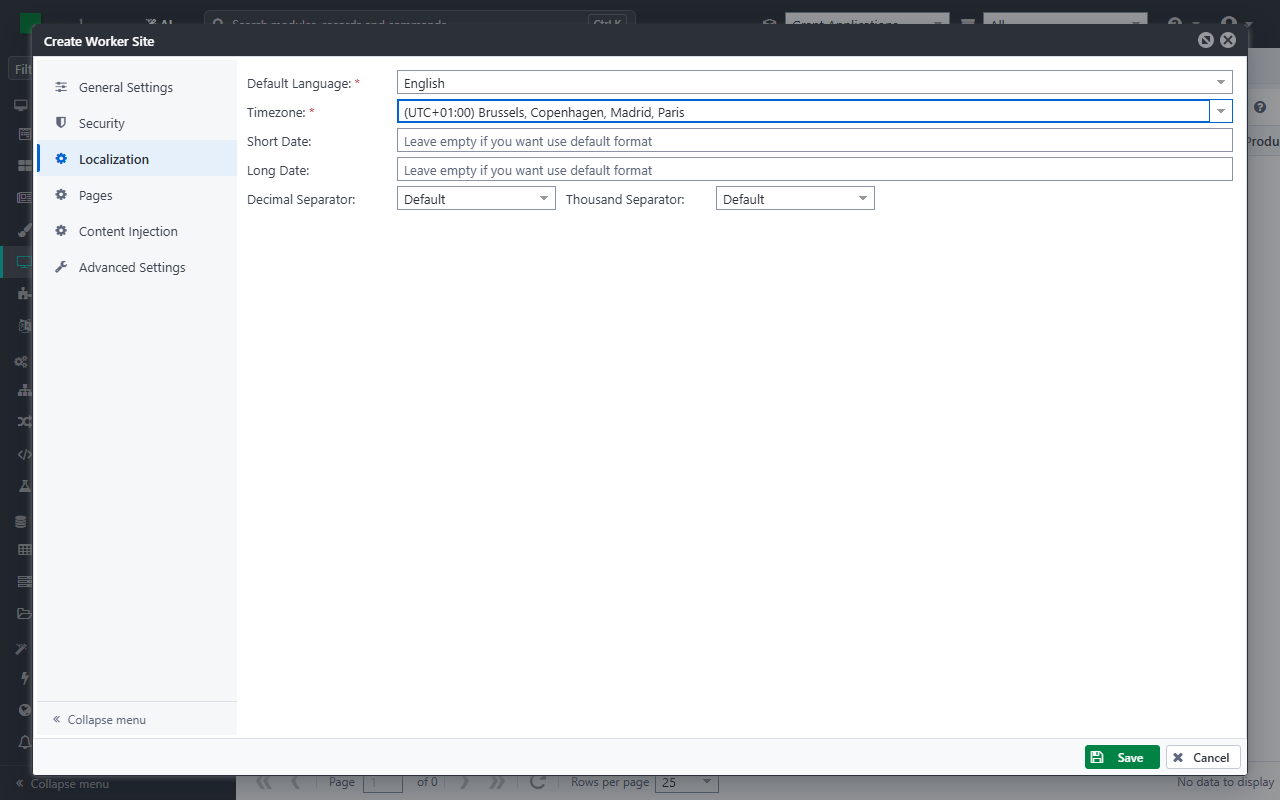
Click Save.
Create Grant Caseworker
Create the second site the same way, with these values:
| Field | Value |
|---|---|
| Name | Grant Caseworker |
| Uri | grants-caseworker.casewhere.com |
| Title | Grant Caseworker |
| Entity ID | https://grants-caseworker.casewhere.com |
All other settings are the same as for Grant Portal.
Try it
Open https://grants.casewhere.com/ in a browser. The site sends you to the IdP; sign in as Anna Berg. You come back to an empty Grant Portal with Anna's name at the top: the site has no pages yet. You add them in Build the applicant portal.